That sounds so “funny”…
That sounds so “funny”…
What a lovely surprise and made with obviously a sense of wit and humour, well done all, shaken and not stirred
Hi Mike,
Sorry to disappoint. As per the original post, you can still access the old version at https://old.sotadata.org.uk but it’s worth pointing out that all of the old methods of SOTAData2 uploading files is supported, just via the buttons at the top of the Upload page, instead of the menus on SOTAData2.
I have a lot of faith in the abilities of 84 year olds to adapt to change. Age is but a number.
Thanks for this wonderful upgrade. A great improvement to already great software. Looks and works great on phones too. Thanks to the developers and the testers.
WOW, WOW, WOW!!! Great Work. Thank you Thank you.
73 Marek
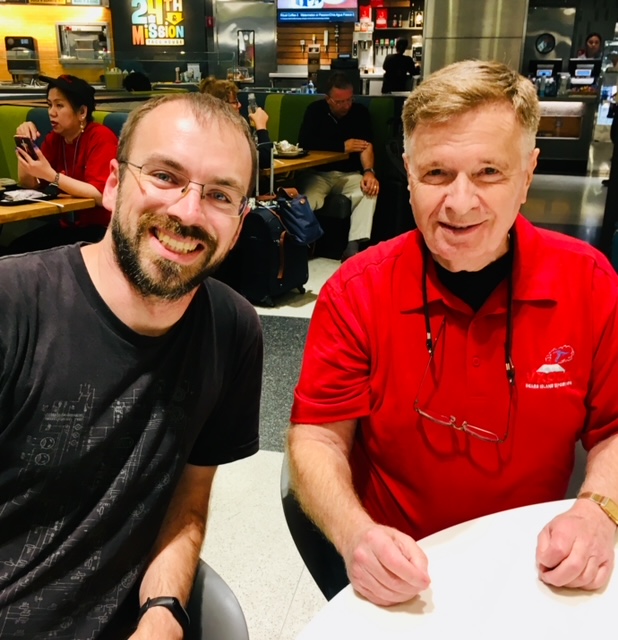
Want to see what VK3ARR looks like? Here he is, on the left, with K6EL on the right of the photo. This was back when he and I were the only MT members outside of Europe, and we were discussing improvements. I never envisioned something as advanced as SOTAData3. I suspect he envisioned a whole lot of work.
Elliott, K6EL
Sota MT
OK,
Frustration here.
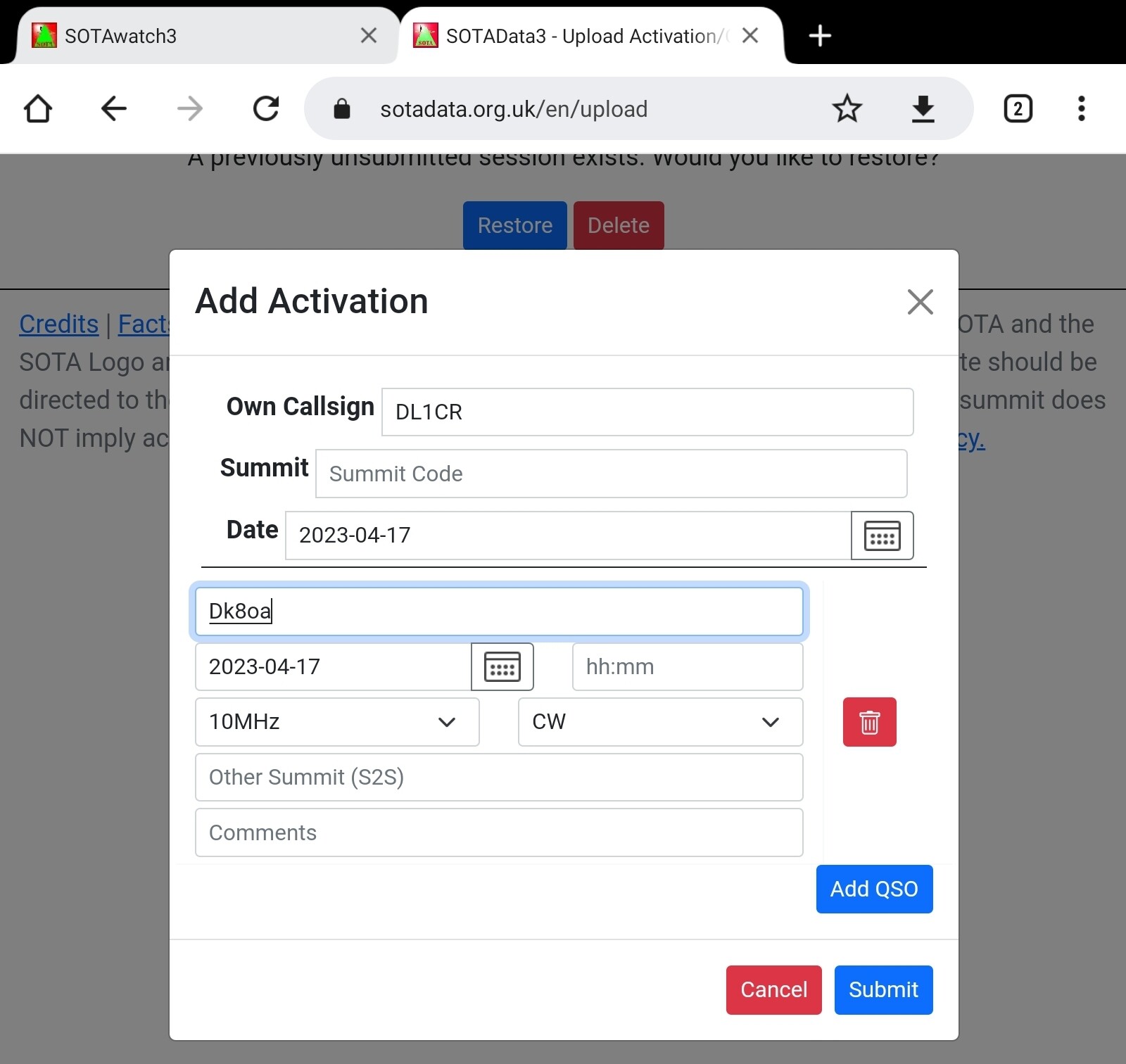
I was uploading an activation, on my last entry I bumped my mouse and everything disappeared, ugh.
Back to square one.
Might be something similar to control Z
EL
Oh folks, with all the credits to the DevOps team for the great move forward I would stick with the old version for the time being (please keep it running)  That is cool upgrade, but quite fancy to my eyes and you should see my face when after uploading two logs on Saturday and coming back on Sunday I found that!!! My first impression was the site was hacked or monitor went bananas … and those really needed badges ?
On a practical note - is it possible to add a type in dropdown list of summits in the Add Chaser Entry?
In my world the beauty is in simplicity …, but that is in my world though
73 de EI4JY
So many nice improvements! Thank-you.
Request: can we allow tables to be sorted by clicking on a column header?
73 de AB6D
Looks good for sure…
The only item I spotted is that there is no data for the 900 MHz band we use here in the USA. It is used quite a bit here in Arizona for SOTA Activations, SOTA s2s Madness events, and VHF contests where SOTA Activators participate.
Thanks for the hard work!!
73
Pete WA7JTM
W7A Association Manager
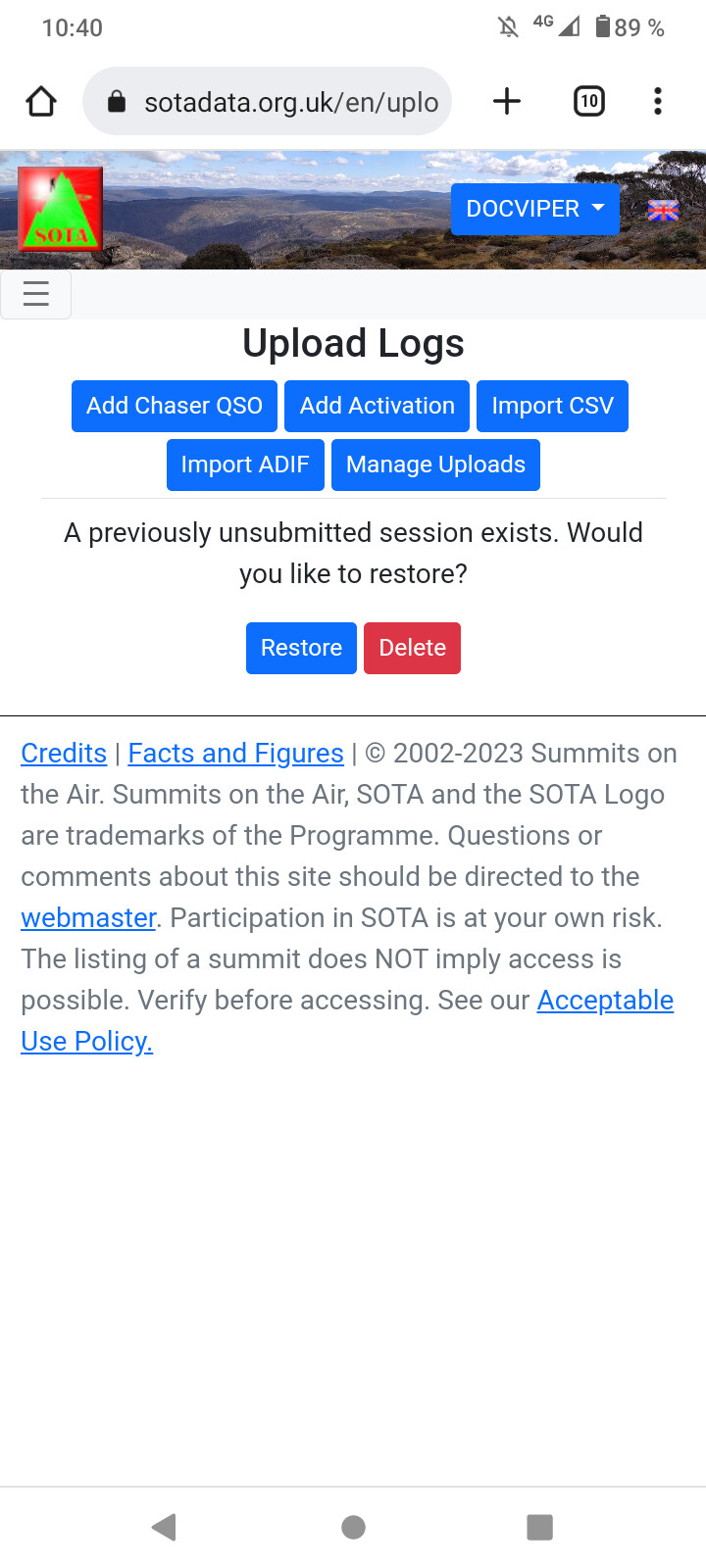
Nope. Just reload the page and the system will ask you to restore the lost session entries.
Confirm the restore and your qso are back.
73 Joe
Just got back from an interesting activation, complete with plenty of ticks, plus an apparent wildfire seen in the high mountains (controlled burn, we later learned).
Got my log done on G0LGS program, logged into the Database, and X@@%&!! - WHAT IS THIS ?!
All the color - all the nice screens - WOW!
I submitted my log incredibly easily, and not a single glitch!
I gave this amazing work AAAAA++ , based on one log with 49 entries and 5 S2S!
I can’t wait to try the edit feature…just not tonight - no errors!
Thank you!
Carey/George
KX0R
The new database is really a big step. In addition to the many optical and haptic advantages, I discovered two essential amenities.
I can enter the activation and the S2S entries in one go.
My frequent input errors can now be corrected very easily.
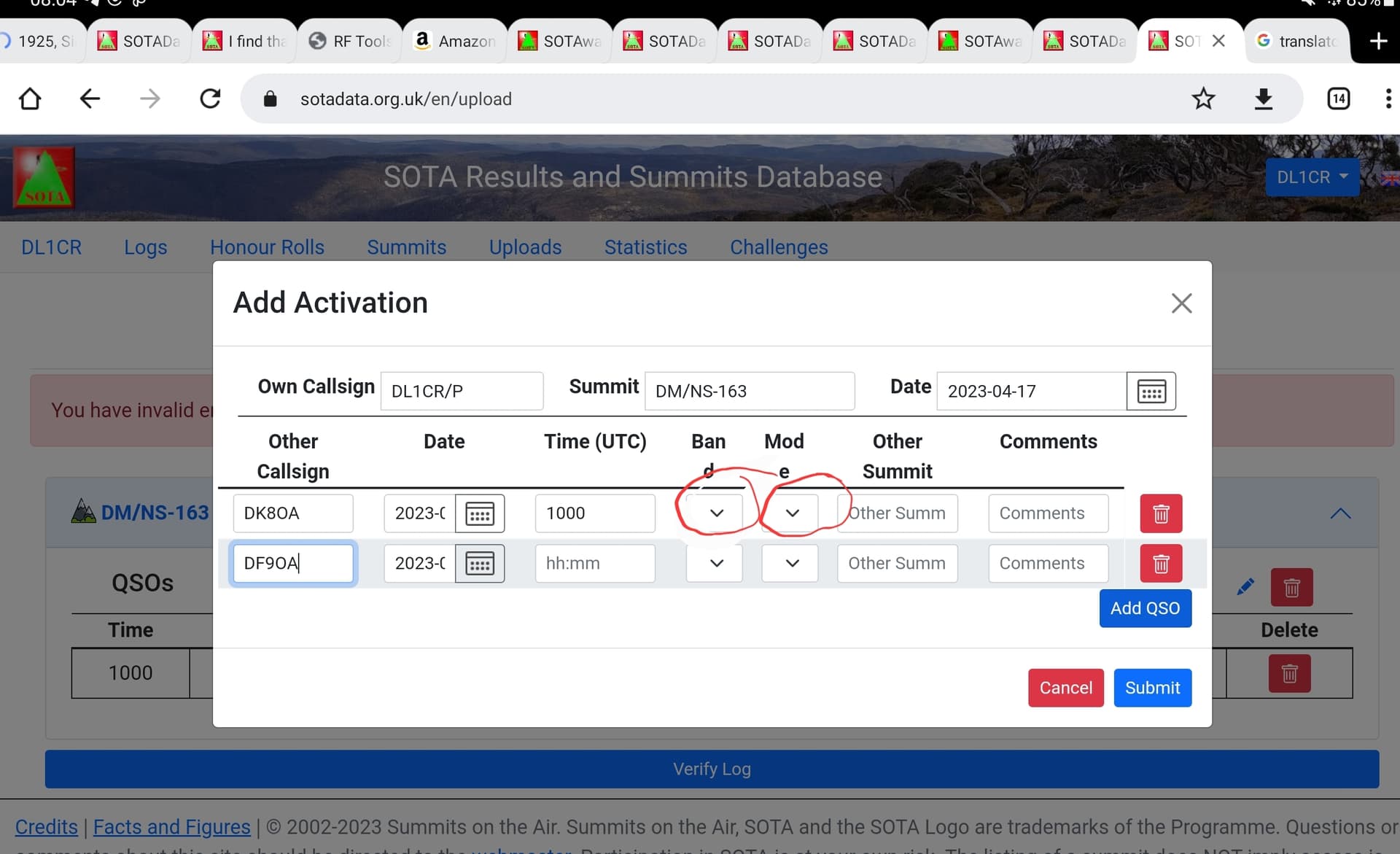
I discovered a small bug, but it has no influence on the result and could be found in my Chrome mobile browser. When entering the log on my tablet, some entries do not appear, but end up correctly in the bank. For example the band and the mode.
Thank you for your endless hours of coding!
73 Chris
Decided to manually add my last summit activation of Allt Y Main GW/NW-059. I must have hit the delete button as all the data vanished with no warning. I assume I will have to start again?
This is the second time. Be very careful everyone. Going for a coffee.
John
Just try and manually log it again… it’s possible the data entered is still there. Again, depending on what you did it may be gone. Just try again in case you get a pleasant surprise.
Data gone, I must have made a real effort to delete it. Starting again.
John
Download one of your previous activations as a CSV file. Edit that file (date, summit, QSOs) in a spreadsheet (easiest) or text editor (harder) , upload CSV. Next activation, edit the CSV and repeat.