(I was experimenting and broke the automatic continue thread  Manually fixing my fat-finger troubles.)
4 Likes
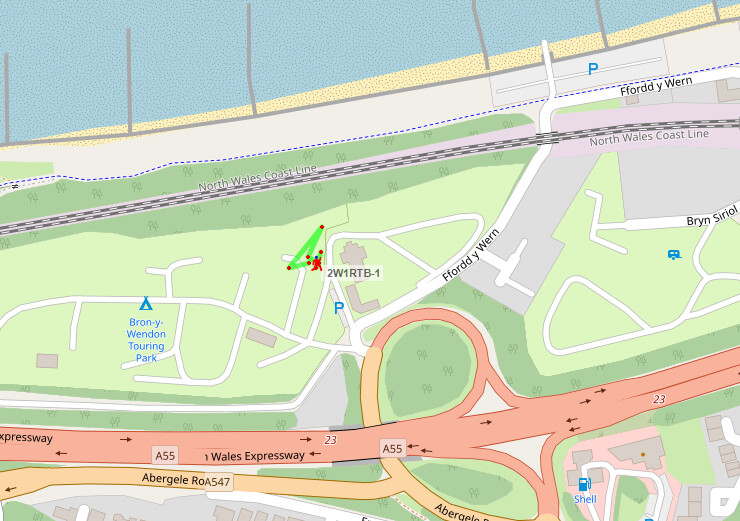
2W1RTB-1 finally on the air had been using my M7RTB callsign since March as not wanting to break the tracker plus putting off the change as hopefully will need to change again
 , but actually was easy to do, the new web flasher is so much easier. Setup two profiles one for 2E1RTB and the other for 2W1RTB. Just need to remember to switch between them!
Thanks GW8OGI for running your igate was ideal to pickup my test tx’s
Need to update the igate once home.
1 Like
Happy Christmas AlL
I have set up an igate/ digipeater in range hopefully of G/SE001 Walbury Hill. Not the most challenging of peaks but just in case anyone would like to know.
Should have said its on Lora 439.9125Mhz
M0KKA-10
I will take a wonder over and give it a try in the new year.
4 Likes
I noticed Richard (MW1HAX) had posted he was activating Arenig Fawr (GW/NW-011) earlier today, so I asked him to check out the LoRA APRS digipeater up there on his way past.
This is MB7UBL-2 after installing it in June
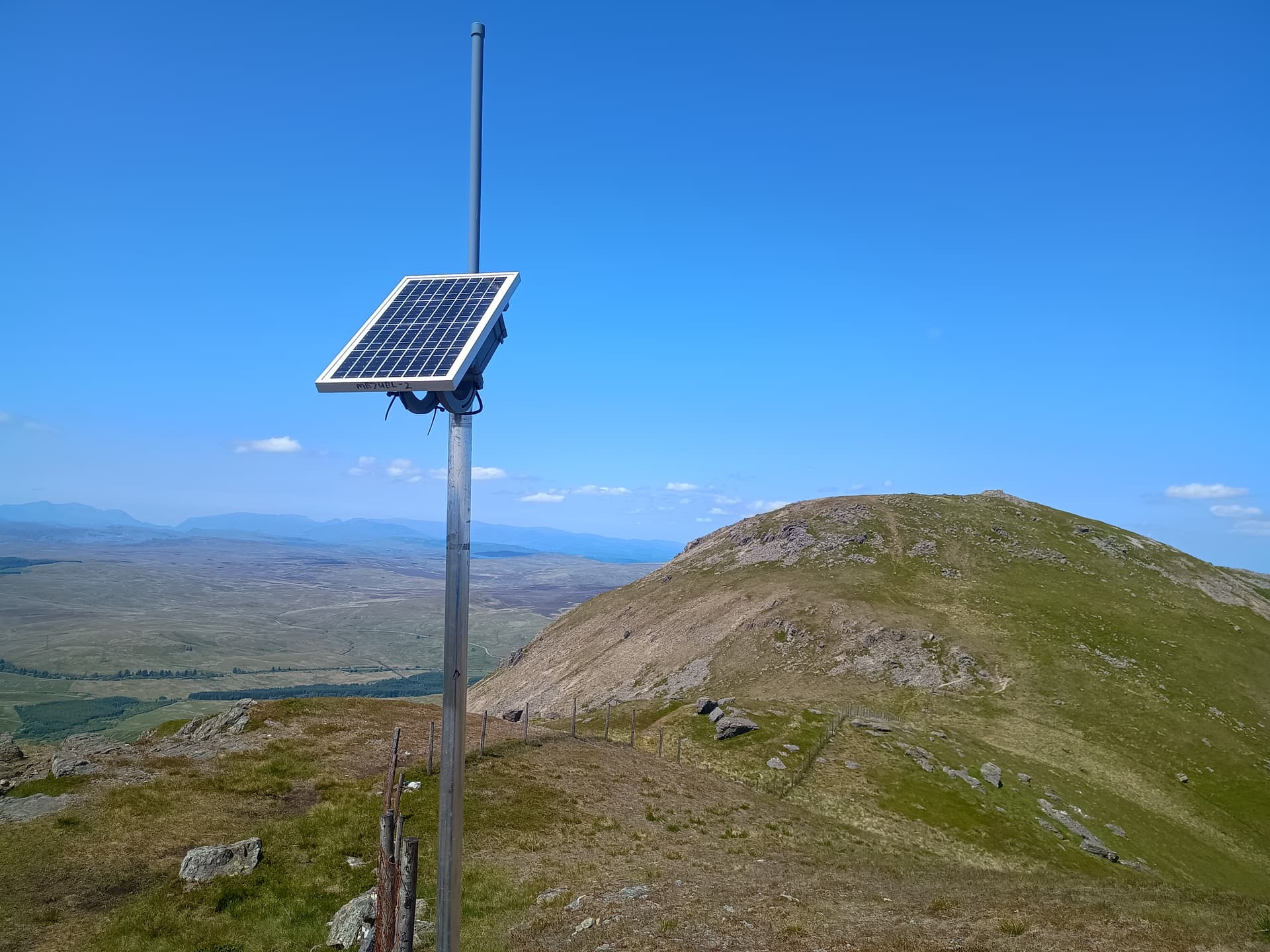
are here it is 6 months later
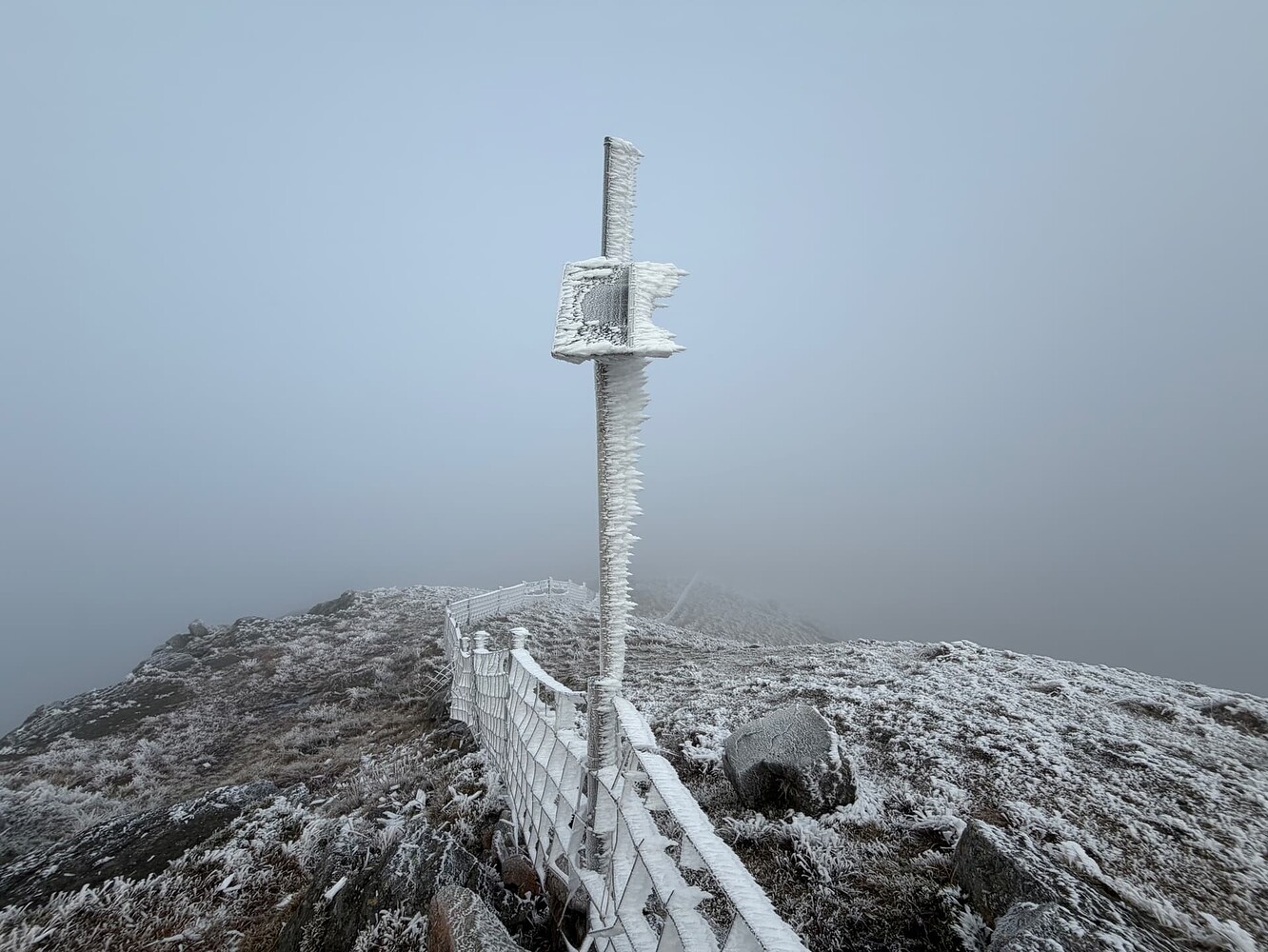
Despite the conditions, it’s running perfectly fine. All it needed was a quick clean of the solar panel, and the charge current jumped up considerably. Thanks for the piccie Richard.
Dave
15 Likes
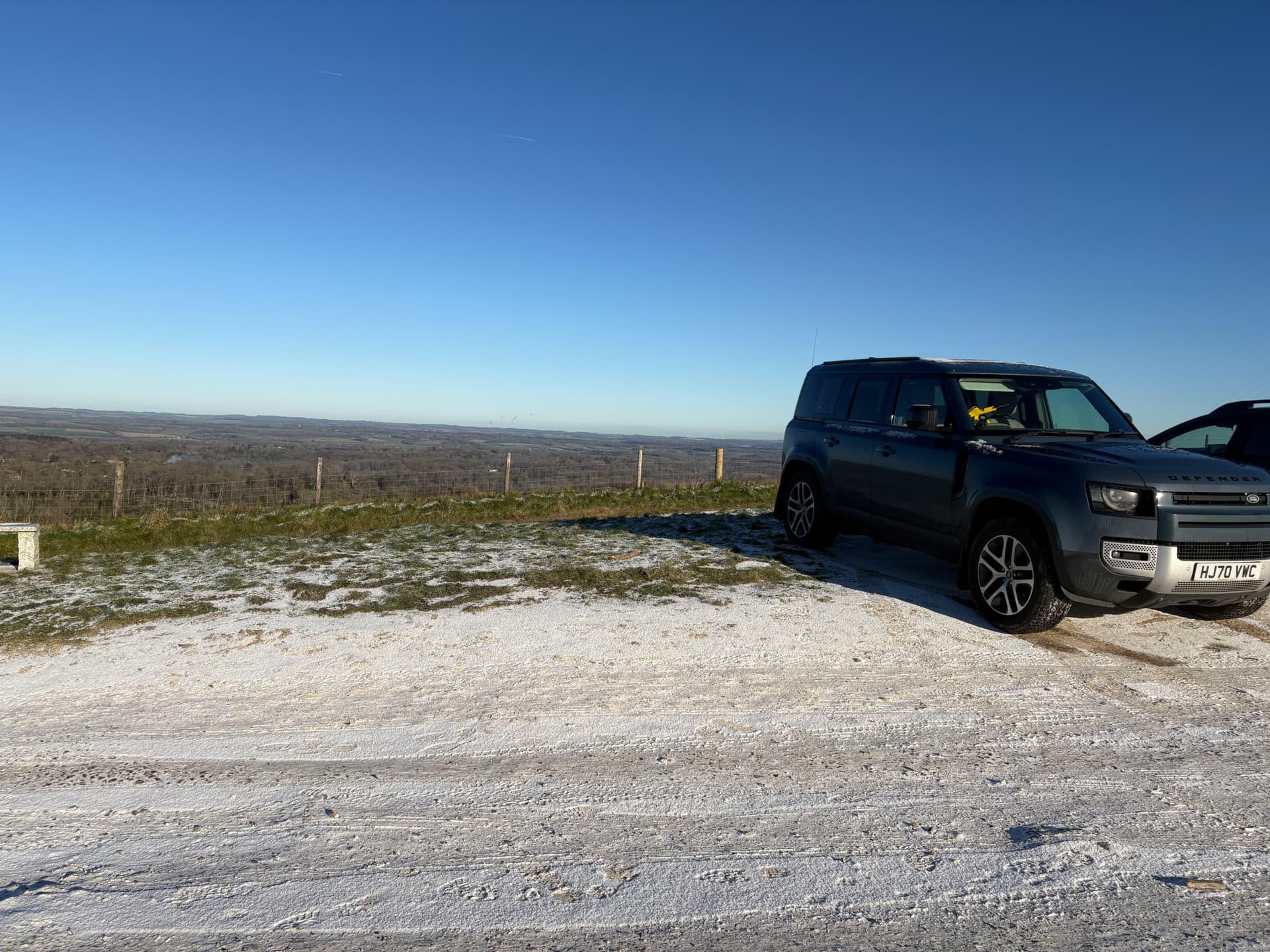
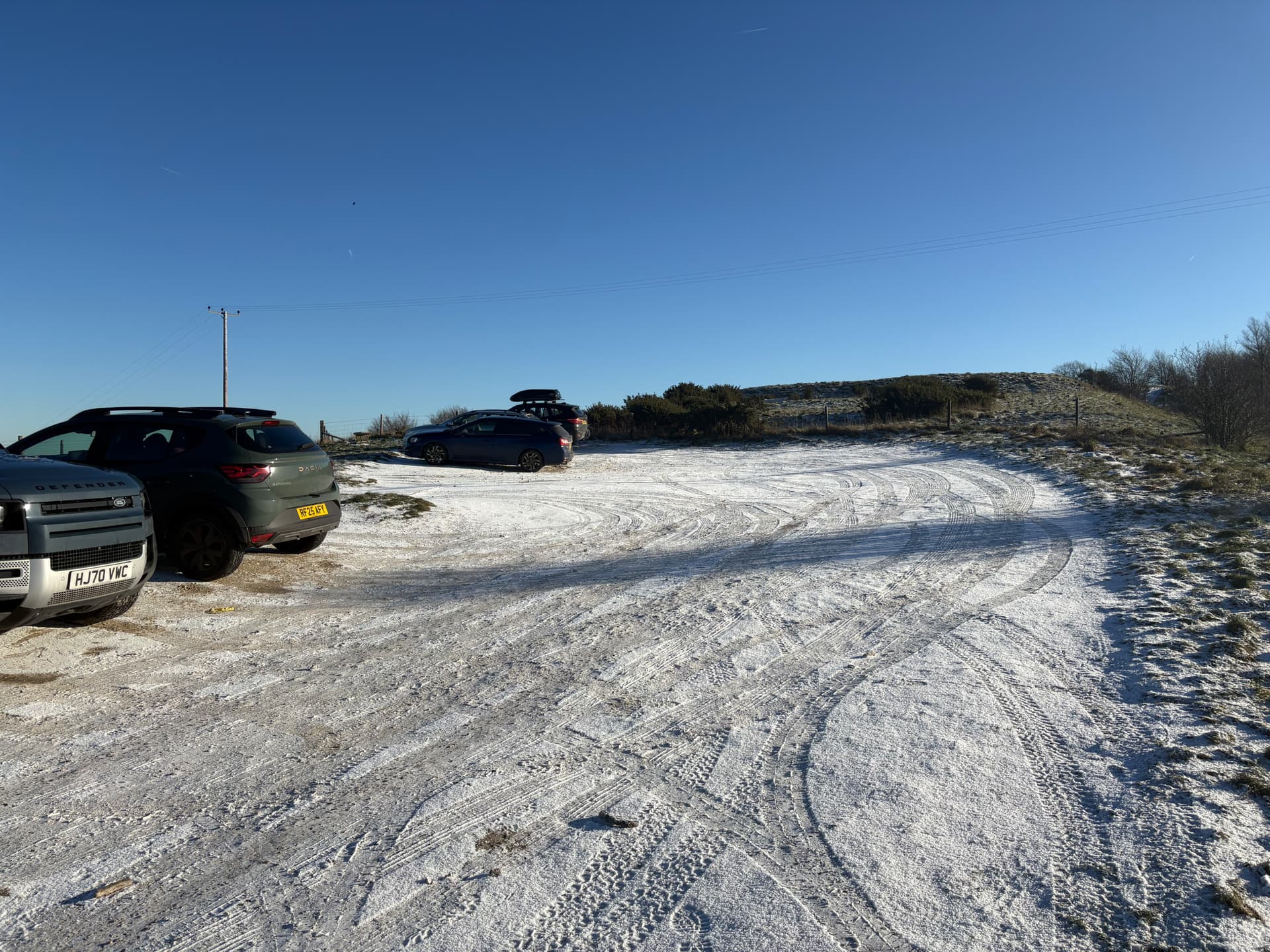
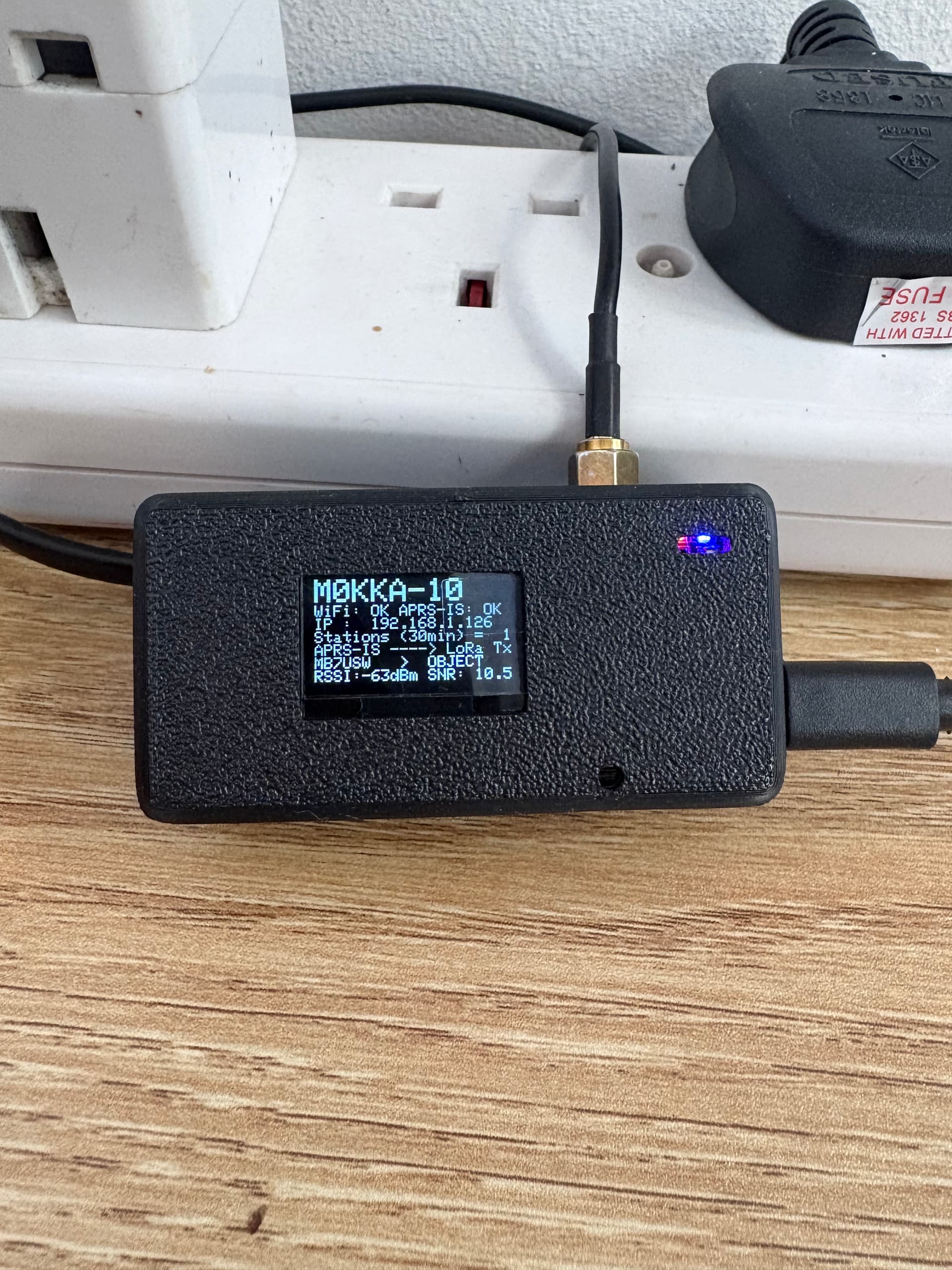
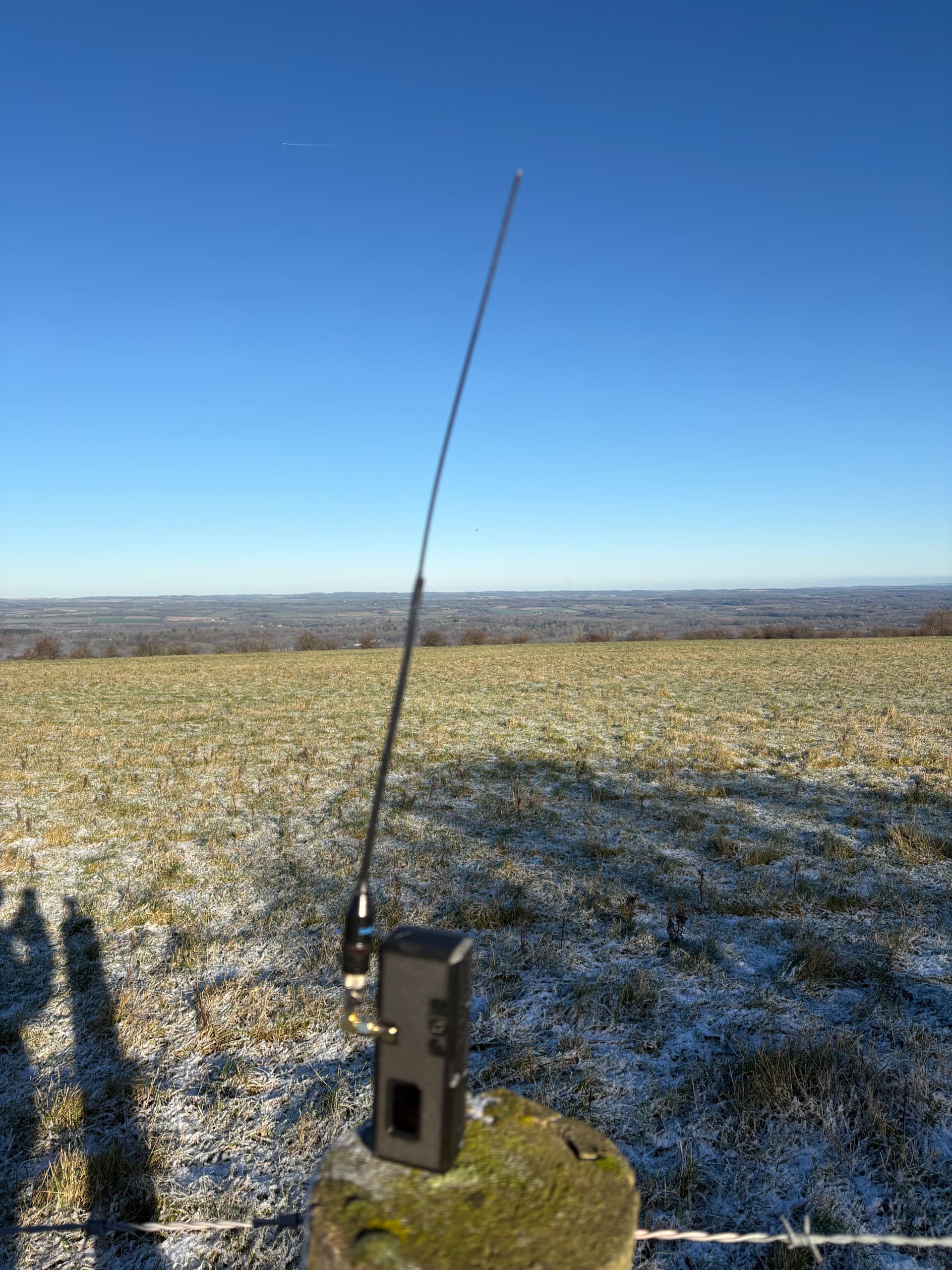
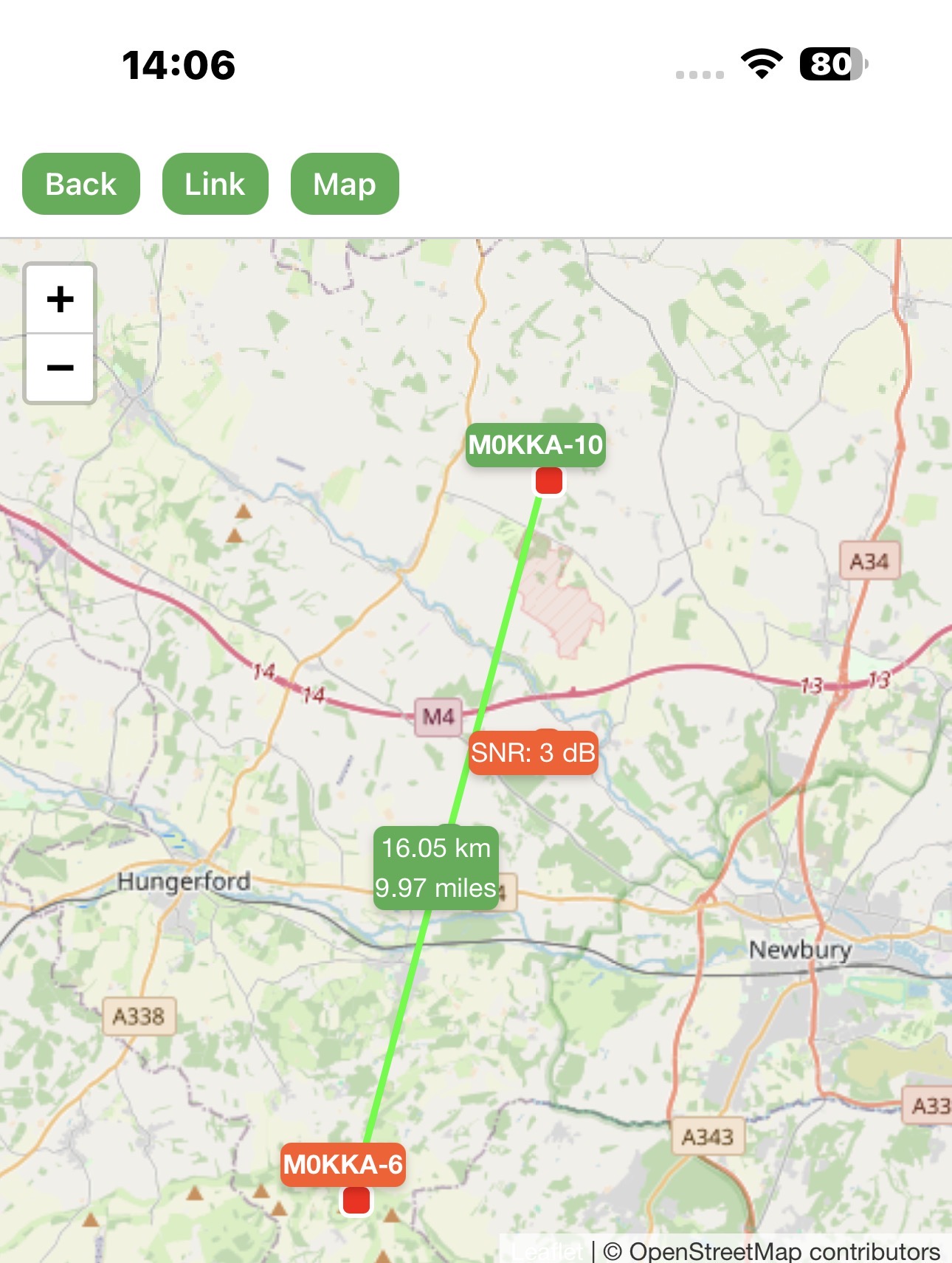
So been up to Walbury Hill G/SE0001 to test the LoRa Igate / digipeater M0KKA-10 and all good in case anyone uses a LoRa APRS tracker at that location.
4 Likes
A quick question because I am an idiot and thre the damaged battery away before writing down what the replacement should be, what is the correct size for the battery in the sota tracker? I’m guessing its 3.7v and somewhere between 1100 and 2000 mah but its the physical size that the most problemmatic since its not easy to tell from website images.
Why do I need a new one? Again because this idiot left the tracker in his workbag with various lunchtime items such as knives, forks and spoons and the like and then with stuffing in spare pot noodles for the cold days managed to wedge something into the case that opened it up and on emptying my bag the whole thing fell to the floor where I then managed to stand on the battery (which had dislodged from the case). After a short time, swelling was noticed on the battery and into an old tin can it went and then into the bin.
At least the tracker still works since I can test poweing it over usb, but that is impractical when using for its intended purpose.
Hi Ian,
The battery is a 103450 (2000mAh or 2500mAh) with a JST PH 2.0 connector on the end. Here’s the slip we put in international orders with details of the battery (as we cannot ship Lithium batteries internationally due to the utter stupidity of Royal Mail). It contains information about which way round the +ve and -ve on the JST PH connector needs to be.
We have just had a delivery of about thirty, so if you need the correct one, send me a message and we’ll sort one out for you.
Dave
3 Likes
Brill and thanks for the speedy response.
I’ll see what I can find as it will me a chance to order some other stuff without my wife asking too many questions - “oh yeah, I know it seems expensive for such a little thing, and strange they had to pack it in such a big box - no no, thats all I bought honest” 
If I really struggle then I will get in touch.
Thanks again,
Ian
3 Likes
I had a thought about development. Has anyone thought of using AI? There is one called Base44, which you tell it what you want, which could be anything from a webpage, a spreadsheet or an app, and it does it. I wonder if this could be used for coding and developing LoRA APRS?
2 Likes
I need to change the Callsign on my tracker can anyone tell me how to do it or better still is there a YouTube video?
1 Like
Access Menu: Press the left-hand button twice to open the Menu.
Navigate to Configuration: Short press the left-hand button until the cursor “>” is next to “2. Configuration”.
Enter Config Page: Long press the left-hand button (approx. 2 seconds) to select “Configuration”.
Select Call Sign: Use the buttons to navigate to the call sign configuration option and enter it (long press).
Change Call Sign: Follow on-screen prompts to change the call sign or SSID.
Quick Swap: If multiple call signs are pre-configured, you can long-press the left-hand button (2 seconds or more) from the main screen to cycle through them.
I have G, GW and GM preconfigured.
Hope that helps.
2 Likes
I want a pony.

2 Likes
Getting frustrated with tbh, I can get it into Change Callsign and get no further
1 Like
See the manual that Martin just posted the link for. In particular page 8, the section “Tweaking the SOTA LoRa APRS tracker configuration” explains how to force the tracker into configuration mode so you can access the web interface via WiFi.
2 Likes
Unfortunately, it seems to have other ideas; you have to long-press it to get it in the menu, then when you get configure callsign, it jumps to something else unrelated
Or you could just flash the device again and start from scratch … it’s very simple!
CA2RXU LoRa Tracker Firmware Flasher (no Firefox)
After successful flashing connect to the tracker via WiFI
WiFi AP: LoRaTracker-AP
PW: 1234567890
Open the browser on your laptop/tablet and go to:
192.196.4.1
There you can set-up your tracker as you prefer …
Just read through the wiki by Ricardo CA2RXU:
https://github.com/richonguzman/LoRa_APRS_Tracker/wiki/
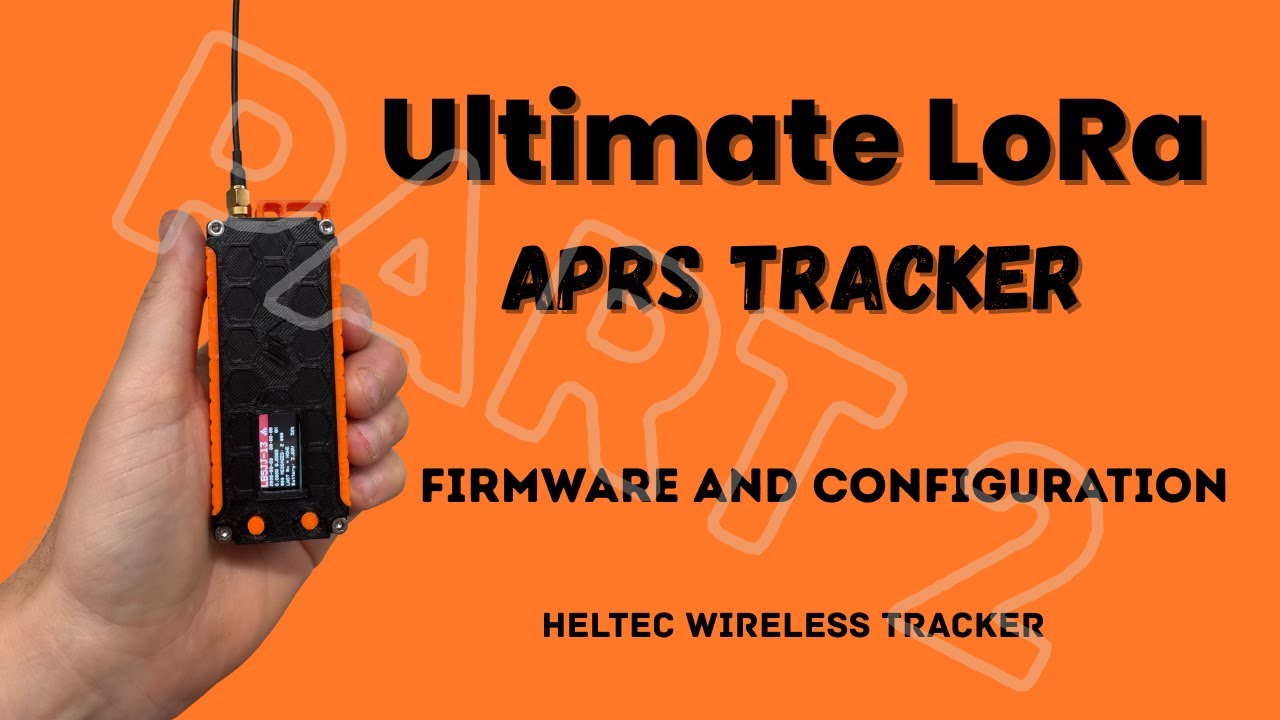
Here is a video of how to setup the tracker:
3 Likes
Hi Paul
I have sent you a message
Dave
I am building myself a new tracker, does anyone know where I can source the correct battery please?
Hi John, I guess it all depends on what case you are going for…and what board you are using…
2 Likes