Nowadays, I no longer use an external app for spots, but rather the convenient SOTAWatch website. Everything works well!
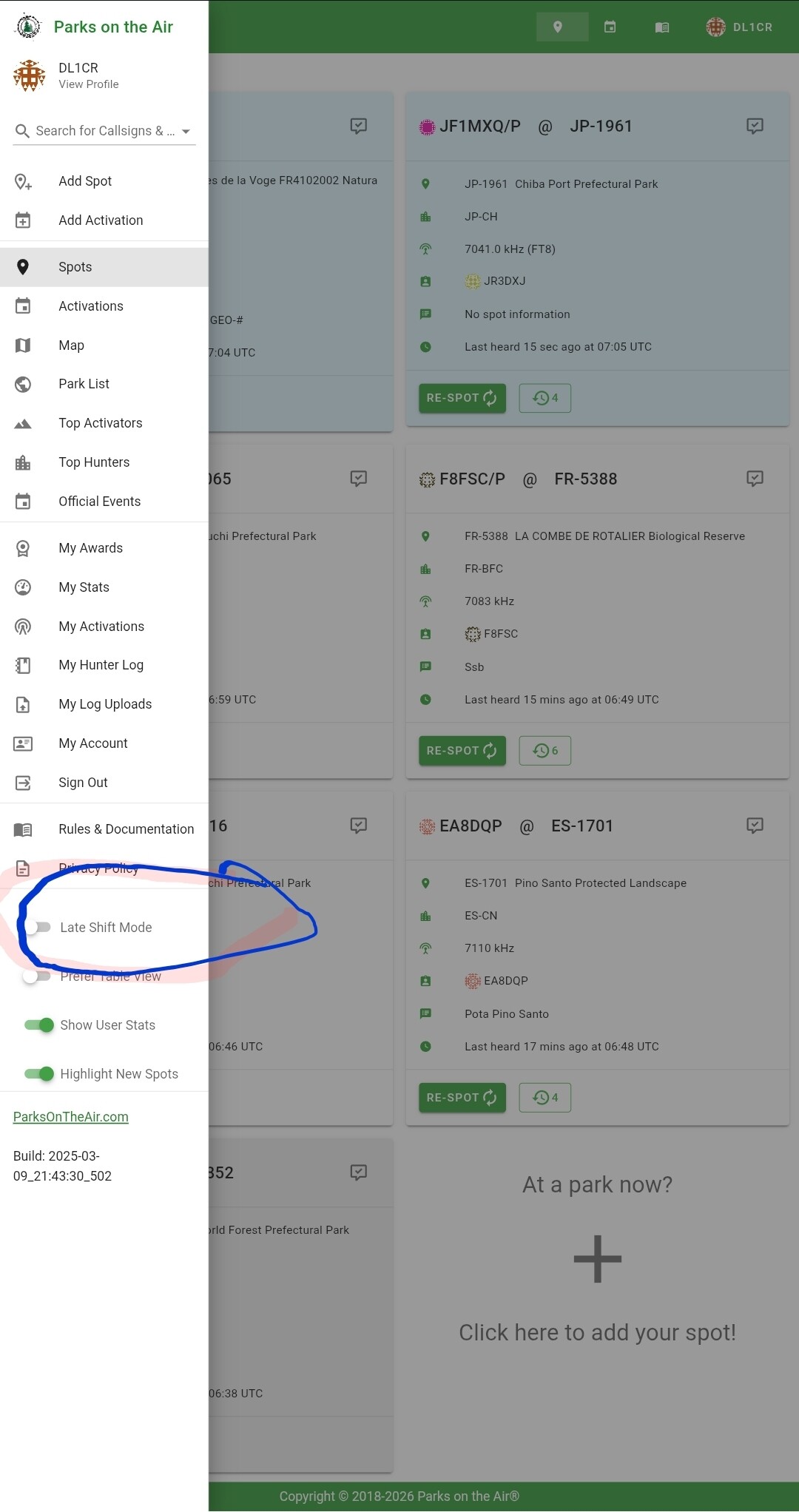
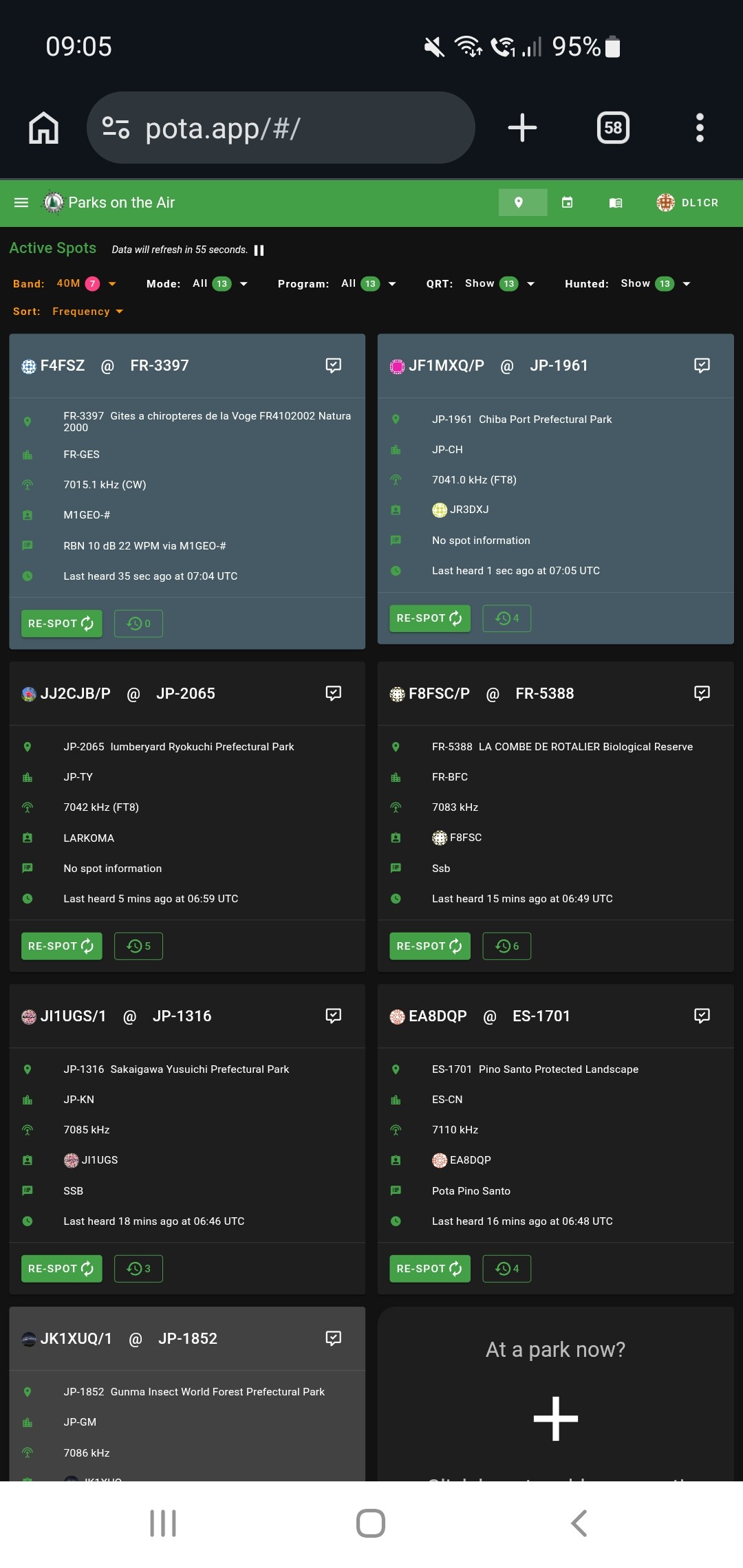
However, I have really come to appreciate the “Late Shift Mode” on the POTA website. It features a white-on-black display—easy to read in direct sunlight and energy-efficient. Perhaps a suggestion for the next update?
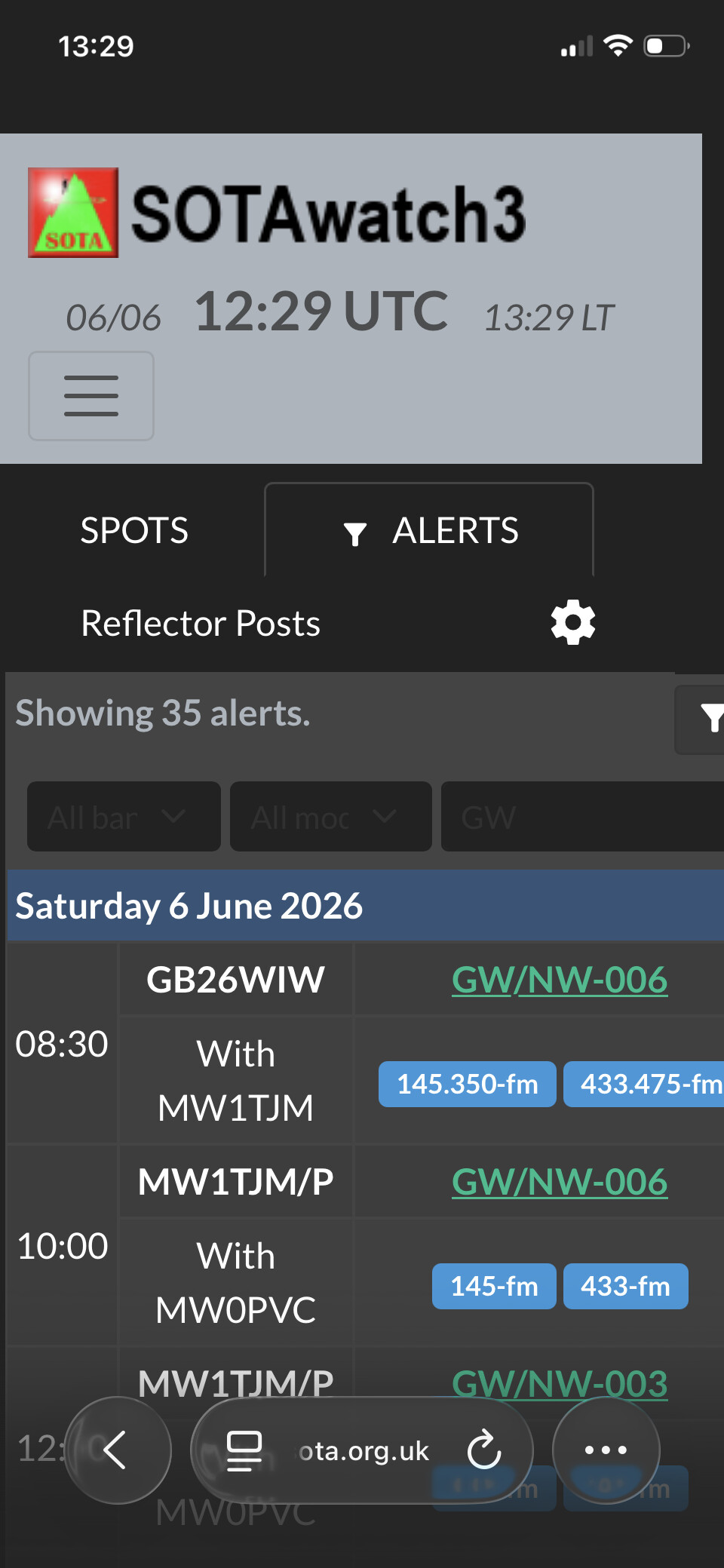
Incidentally, there’s a weird minor styling issue in dark mode with the Alerts filtering fields (which I guess I use about once every third blue moon when there’s a head-wind) where it forgets to change the text colour, so it displays grey-on-slightly-different-grey…
It’s probably caching somewhere. Does an Incognito Window show the same results?
Preferences are stored in your local browser storage so if the browser is dropping that between sessions, that’s on it. We use local browser storage so you can use browsers on different systems with different filters/etc, and to avoid an unnecessary database check of a profile.
I think that an ‘incognito’ window (private browsing on iPhone) does not save browsing history, cookies and autofill information and it adds extra protection against online trackers.
Re the alert grey-on-grey glitch: By default, Apple’s Safari on iPhone does not use private browsing (‘incognito’ mode); you have to enable it. So, when using Safari [in open browsing], if I enable SOTAwatch Dark Mode, the alert grey-on-grey glitch is still there. That’s the same as when using Firefox Focus, which operates always in private browsing mode all the time.
That would explain why I have to set Dark Mode manually each time in Firefox Focus. But, if I close Safari when it was displaying SOTAwatch in Dark Mode and then open it again, SOTAwatch is back in Light Mode. So, it seems the theme preference is not being saved there either.
I don’t have an iPhone to test. I would expect that if it is working for non iPhone but not on iPhone then the usual suspects for why it might be broken are unlikely to be the cause. I would suggest clearing cache and data for SW on Safari and see if it remains persistent. If you have any privacy blockers or such things try disabling them temporarily for SW.
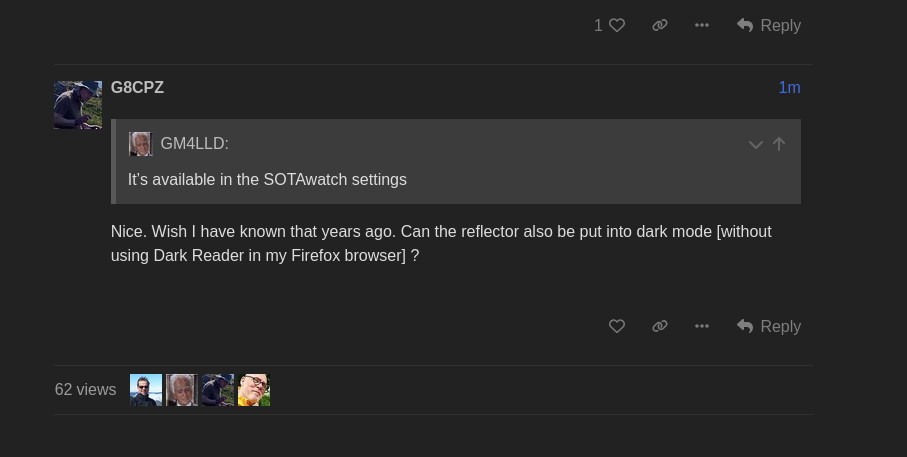
That fixed the Dark Mode problem: I can quit Safari with either SOTAwatch or the reflector in Dark Mode, relaunch Safari and it ‘remembers’ my Dark Mode preferences.
I still have the alert grey-on-grey glitch with SOTAwatch with Safari.
That was fixed at source, so as Andrew says the issue is in the iPhone/software. It’s most likely going to be that the old version is cached still. I don’t have an iPhone so cannot test either.
I cleared history and website data for Safari [via Settings->Apps->Safari] several times, went to SOTAwatch which came up in Light Mode, typed something into the Alert filter and the black text was clearly visible against the white box. So, I put SOTAwatch into Dark Mode and typed something into the Alert filter and could not read the text against the dark grey box.
Has anyone else got an iPhone that they can try this on?