While I don’t consider it ready for release yet, I am working on improving this situation. I’ve been developing a version of egzumer that includes CW support, including external paddle (currently via a rework inside the radio, but I’m investigating implementing the CEC cable adapter method too). It’s only for V1 hardware right now, but I plan to port the changes forward to an open codebase that supports V3 hardware too.
Hi Paul,
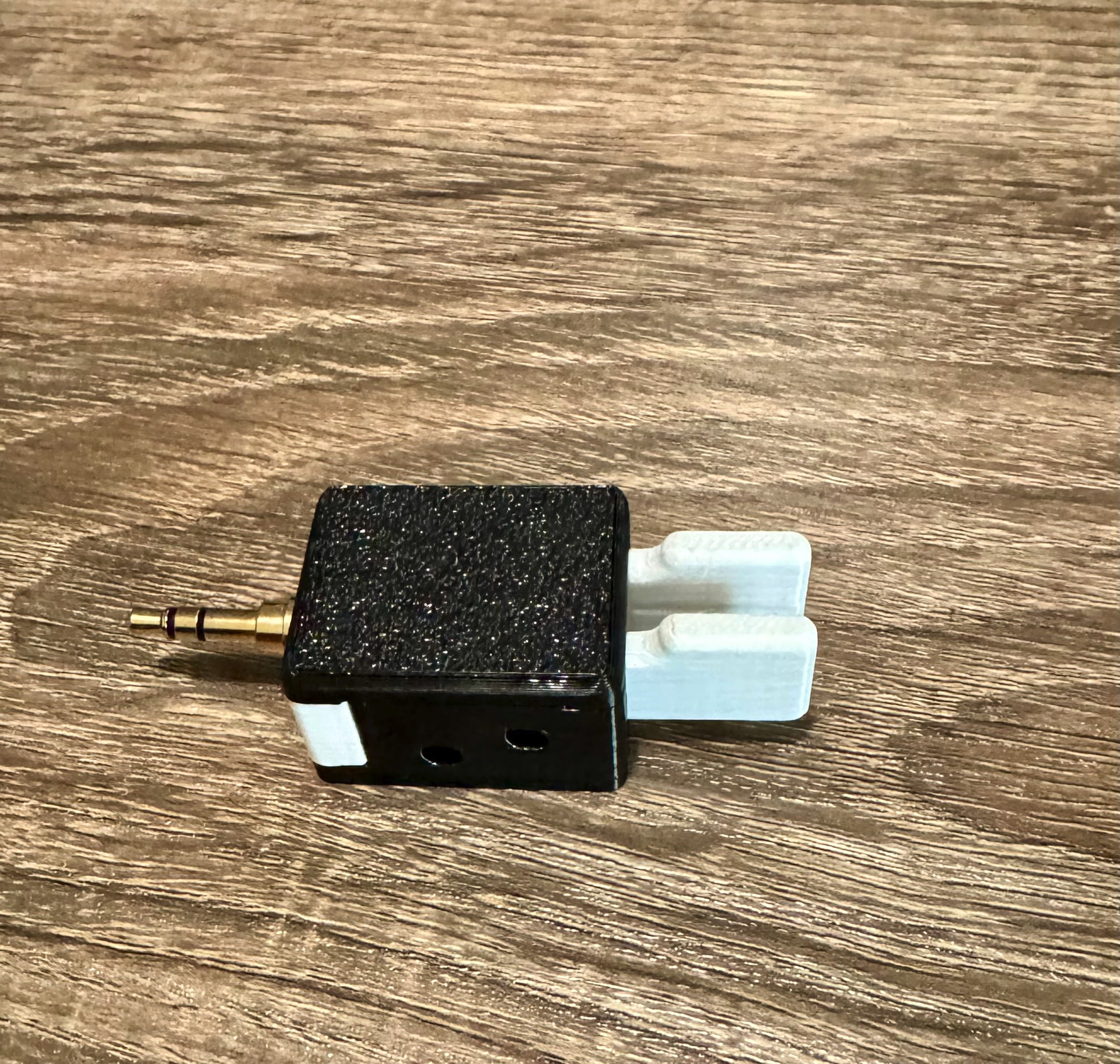
The 3.5mm jack fits well, but the keyer is a bit inaccurate; I need to adjust it, but the best solution is to use a cable between the TX and the keyer.
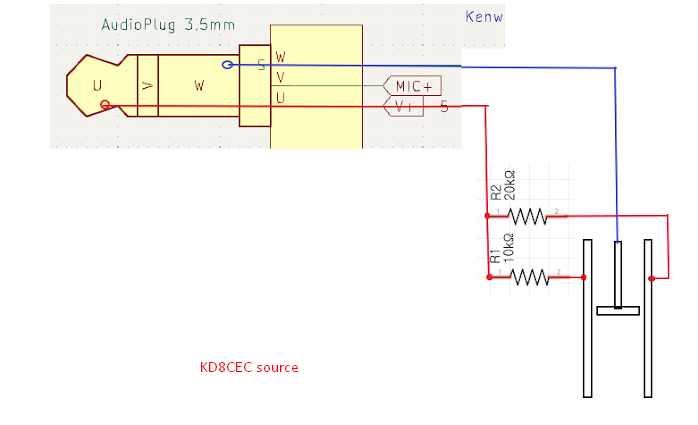
I still consider this beta, but for those that would like to try it out, I’ve started pushing my code and making builds on GitHub. Starting with beta3, it includes support for the CEC resistor-network cable for a paddle connection. I’ve also developed a rework that one can perform inside the radio which makes it possible to use a paddle directly to the port with no adapter or modified cable.
As folks have discovered, V1 hardware is not the same as V2/V3 hardware. This firmware only works on the V1 hardware, like the original egzumer/CEC/IJV do. I plan to port these changes to a codebase compatible with V3 hardware in time.
Edit to add: why use this firmware and not CEC or IJV? While CW technically works on those firmware, they do not grasp how critical latency is when sending CW. This project addresses that. Additionally, this is the only open-sourced implementation of CW functionality for the QS.
Reading an ADC voltage from a resistor network as a mechanism for detecting CW paddle keys in realtime is a bit of a balancing act. I did significant tuning and oversampling in my code to prevent cases like that. It might still need more tweaking, but I’ve found it’s pretty reliable in my testing.
CEC and IJV are very much inferior for CW. Brian’s firmware is very, very good. In my opinion, NR7Y firmware is the only viable software for using a Sheng on CW.
Hi Brian - I loaded up your firmware and its impressive. My paddle works fine and it has a nice clean return to RX after transmitting. The screen display and menu are very intuitive.
One thing that did confuse me were some of the choices for CWkin (#58). Right now I’m using “CEC Cable”. Is there a description somewhere of what all the choices mean?
For those interested in using a paddle but owning a V3 radio (designated by the ‘V3’ marking on the label behind the battery), I now have CW firmware available for this model as well. A brief rework inside the radio is required; the V3 hardware doesn’t have the same circuitry that was used to drive the external CEC cable hack. This also applies to the newer UVK1 model, which has the same guts as the V3.
I am very interested in checking this out. Thank you for spending time advancing the hobby.
Very recently I have struggled with CW on the CEC fw. I can get it to work, but it takes some adjusting and getting used to. I’ll load yours up this week and check it out.
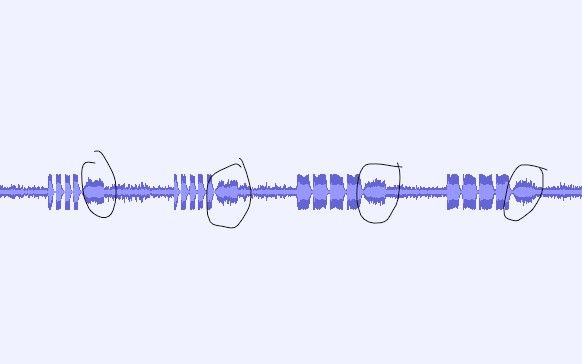
My two UV-K1 with that new beta3/ver1 firmware send a CW code with extra bit at the end of transmission. It sound like a dash with the different pitch.
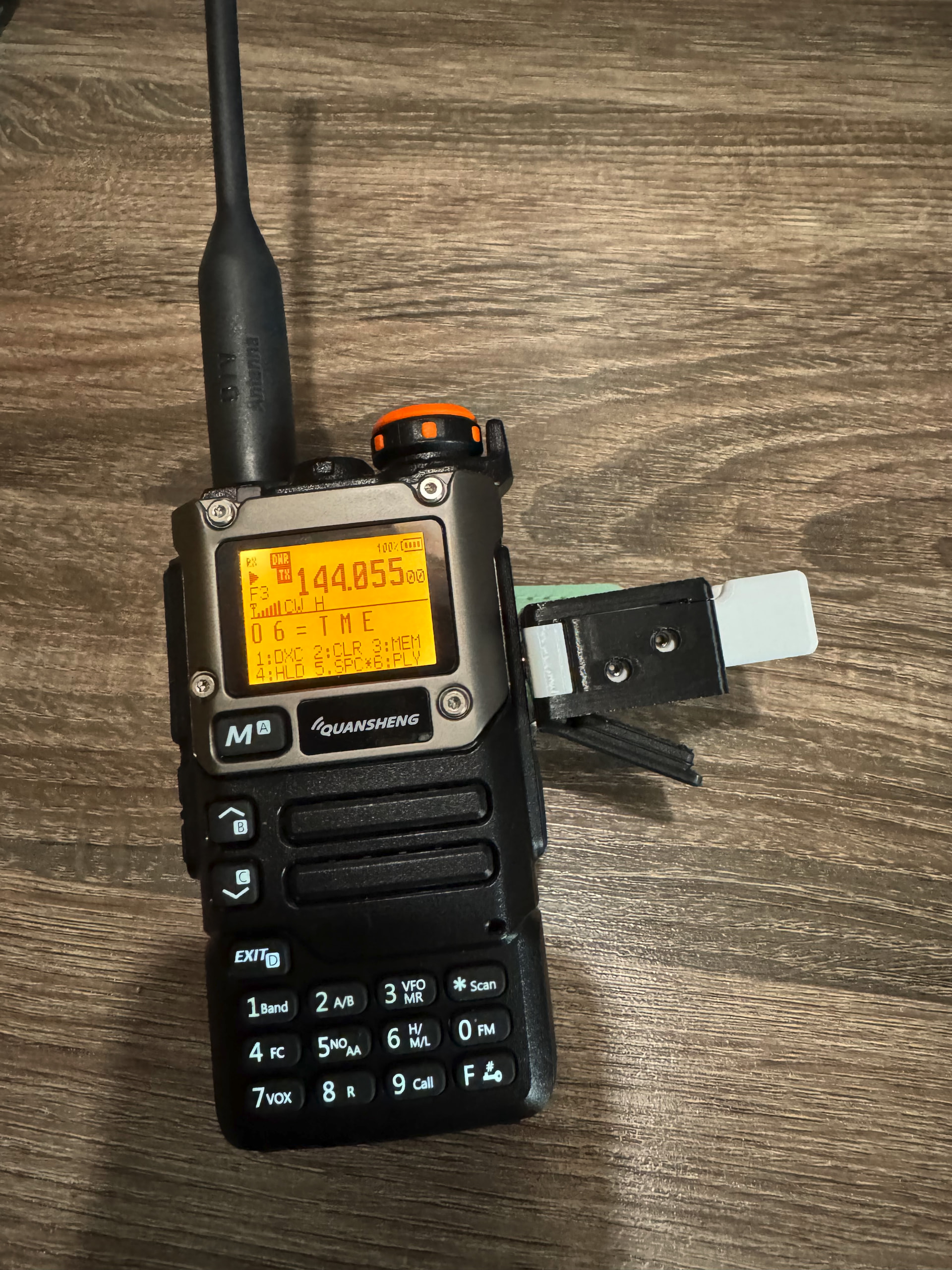

 ess keyer, which costs nothing but can be improved