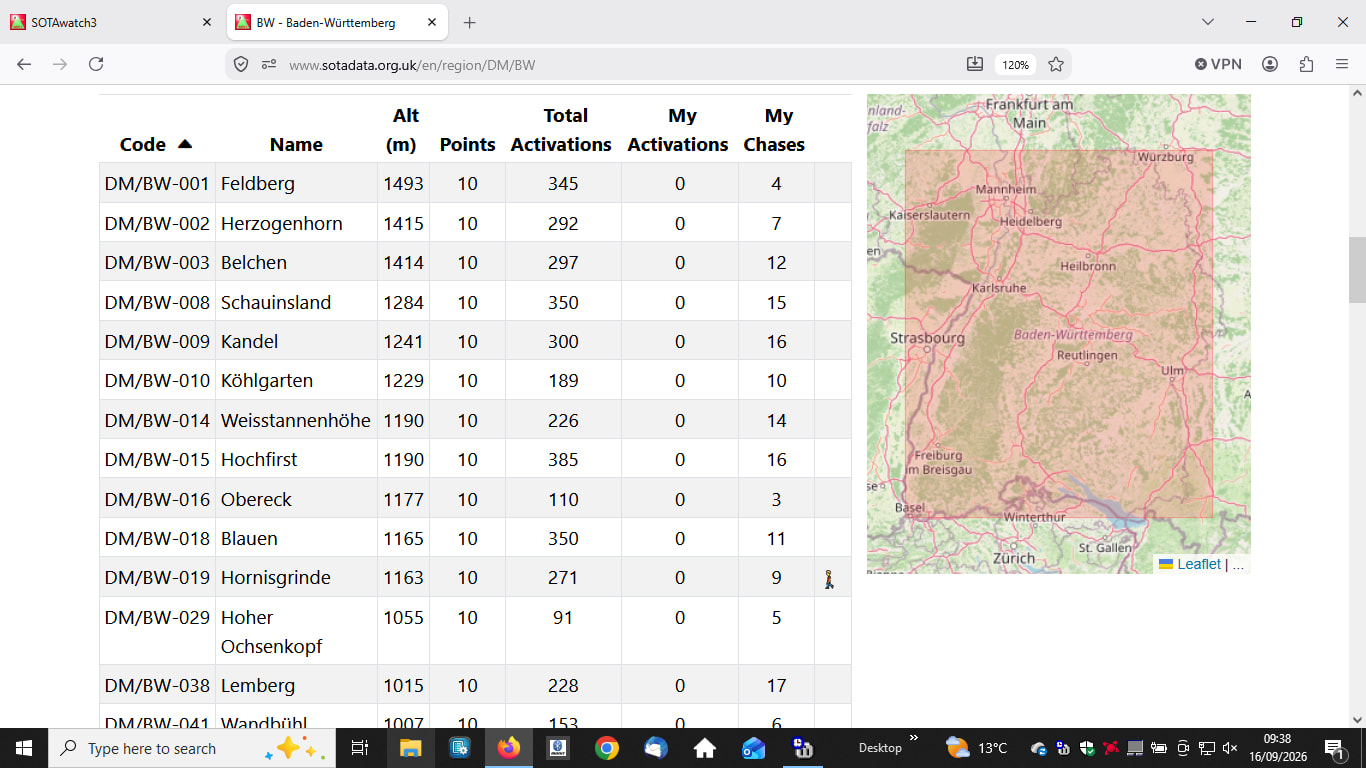
I think it is quite some extra demand for the database to handle those extra lookup tasks to check if you logged the summit+callsign combination already today.
So using a proper logging tool like PoLo or the successor HaLo - that also works on Linux, Windows and MacOS - might be something for you.
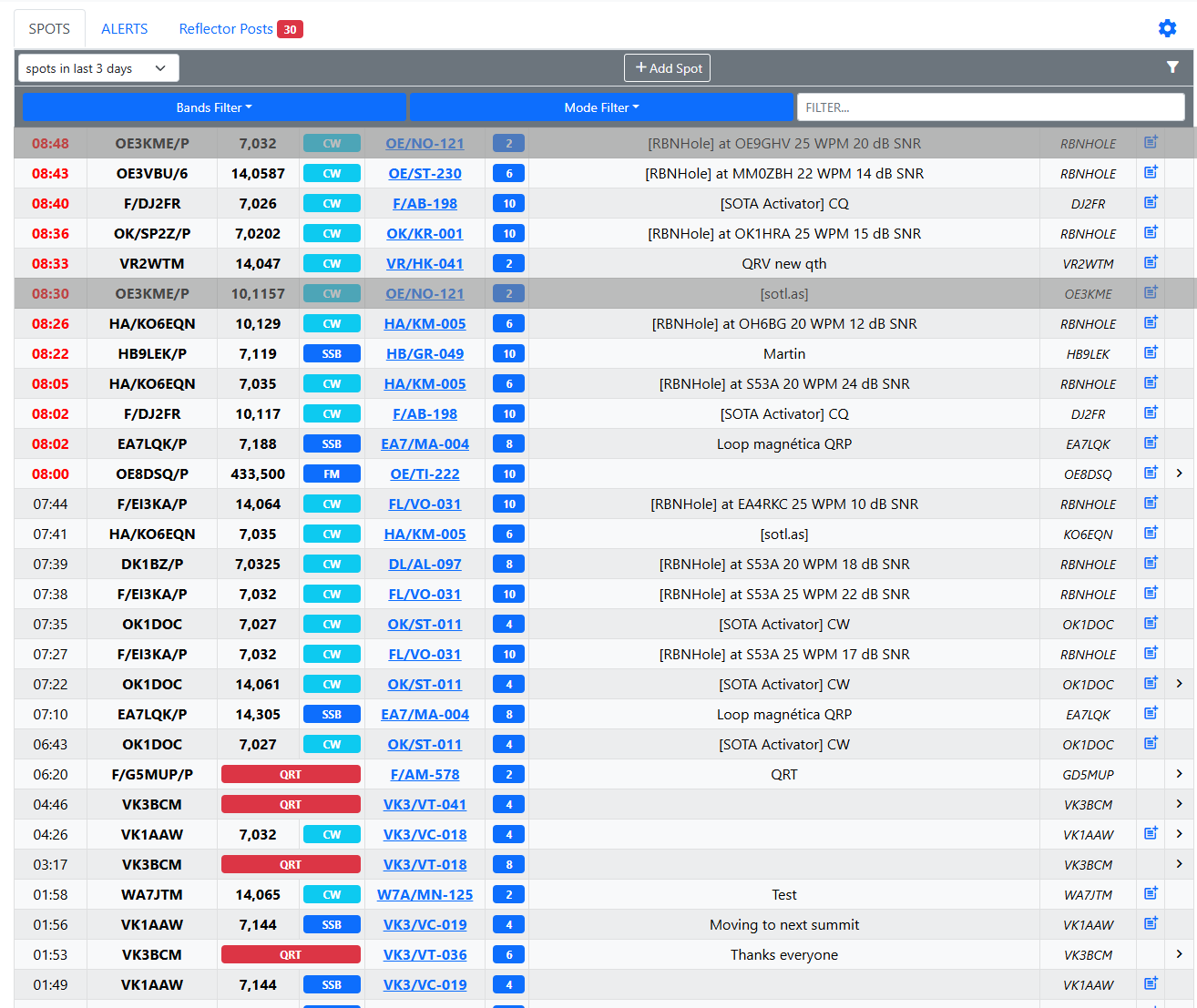
https://spothole.app has a checkbox in the last column to mark spots as worked on current band and mode – do you mean s.th. like this? You can filter for SOTA-spots-only, but the marks are local knowledge of the browser(-session).
The idea is if you use the direct logging feature on sotawatch the system knows that you work the combination of callsign and summit. This way you could hide them from the list.
So you can avoid duplicate contacts.
Not sure how intense for the database but likely possible to program.
Maybe instead of marking the spots as “worked” , a side panel with “Who I’ve worked today” that doesnt refresh automatically with the spots, or something similar maybe less intensive on the database.
We may then get arguements about wha t “today” means with respect to times being logged in UTC.
For the SOTA points 00:00 UTC rollover is the relevant time so that you limit “one day”. But let’s see if Andrew picks up on the idea. I would even see a dedicted “logging” tab on sotawatch to make sense.
Use one of the many logging programs that integrate with the DX cluster. Add the SOTA cluster to your logging program then you can click on the spots in the logging program and work/log the station. Your logging program has a list of what you have just worked and you upload your log (CSV or ADIF) to the SOTA database once a day/week/month. All the software you need to do this exists for Windows, Linux and Mac.
Yes, visually it would look like that. But on the server side.
Ideally, I don’t want to use any program, I just want to log on the go from sotawatch. But if it’s not possible… then I will do without the feature or use Polo software