Forgive my ignorance here, but I generally have only been logging the odd chaser contact from home, and have a paper log to transcribe which I was using up till about 6 months ago.
Now I’ve moved to qlog I’d like to make sure any SOTA chases are registered in the database. Am I ok to export the whole ADIF and throw that at sotadata? It’ll be a one-time thing, after which I’ll make a note of the date I did that and only export from that date. I’m guessing if I could be bothered there is probably a filter I can apply for the export, but I thought this might be something other folk might have to do.
Well, yes it should work fine. We have some nice API software and the DB is the very latest shiny MS-SQL server. It depends on how many QSOs to log. If it’s 50+ a day for several years I would be defensive and export in manageable chunks. But if it’s a few a week then it should eat it all without a hiccup.
Once you are up to date, yes, note the date you last exported and export only after that. Maybe export and upload once/month just to get into a regular process.
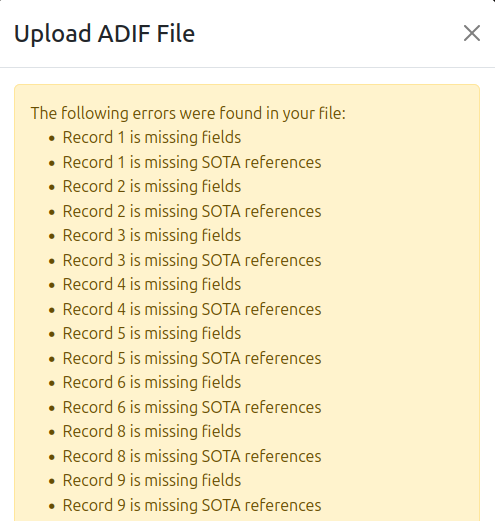
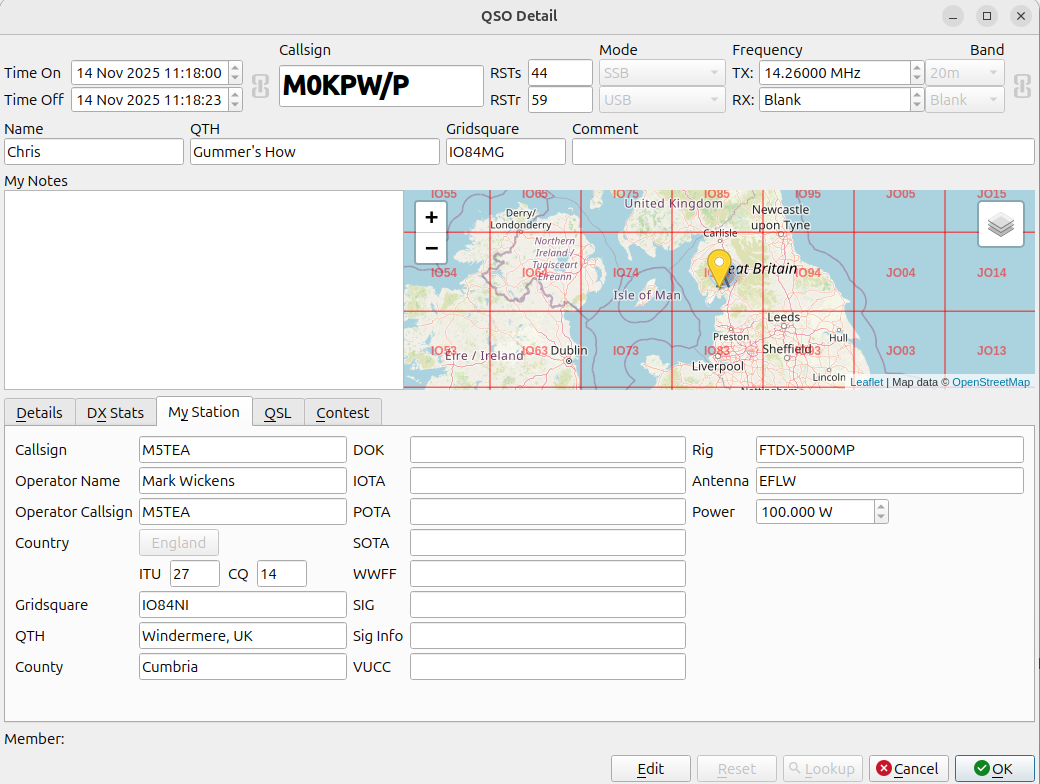
Looks like I need to filter my ADIF log file before import to only include SOTA contacts. My home log only currently contains 68 contacts since I started logging with qlog:
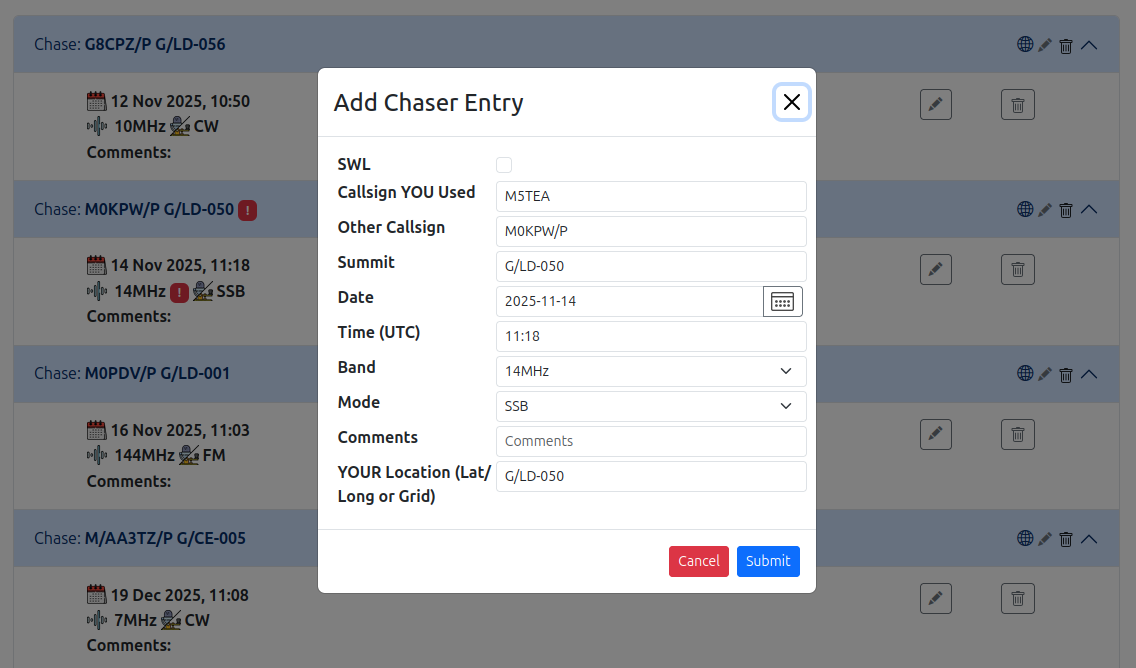
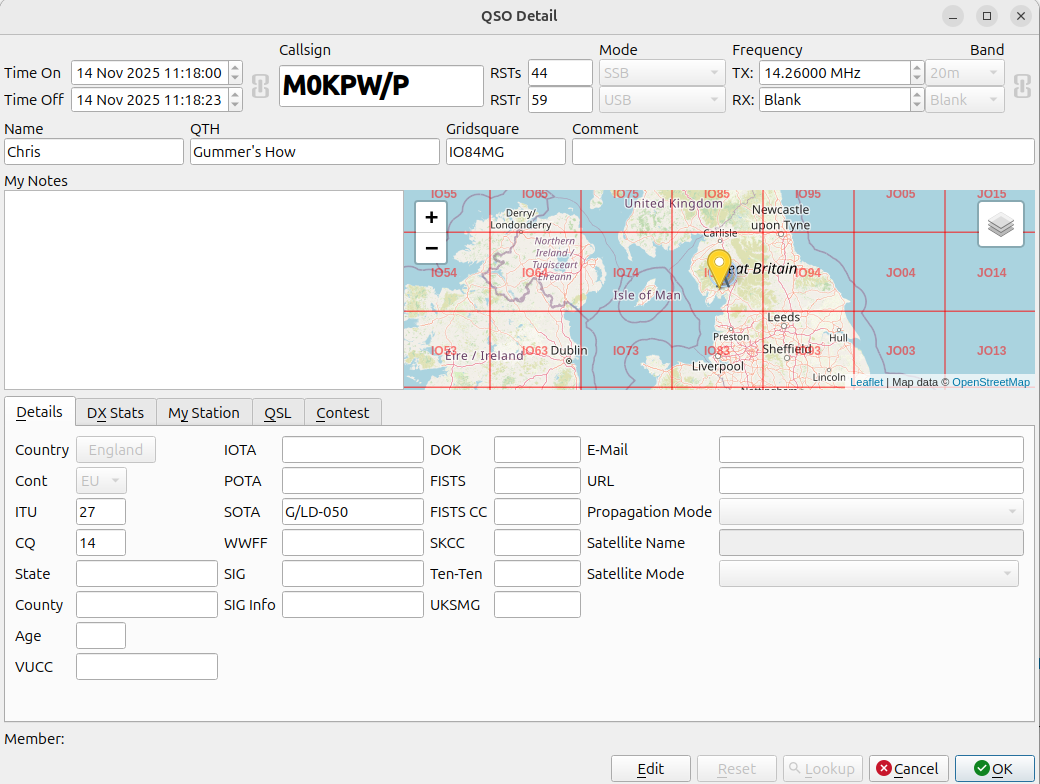
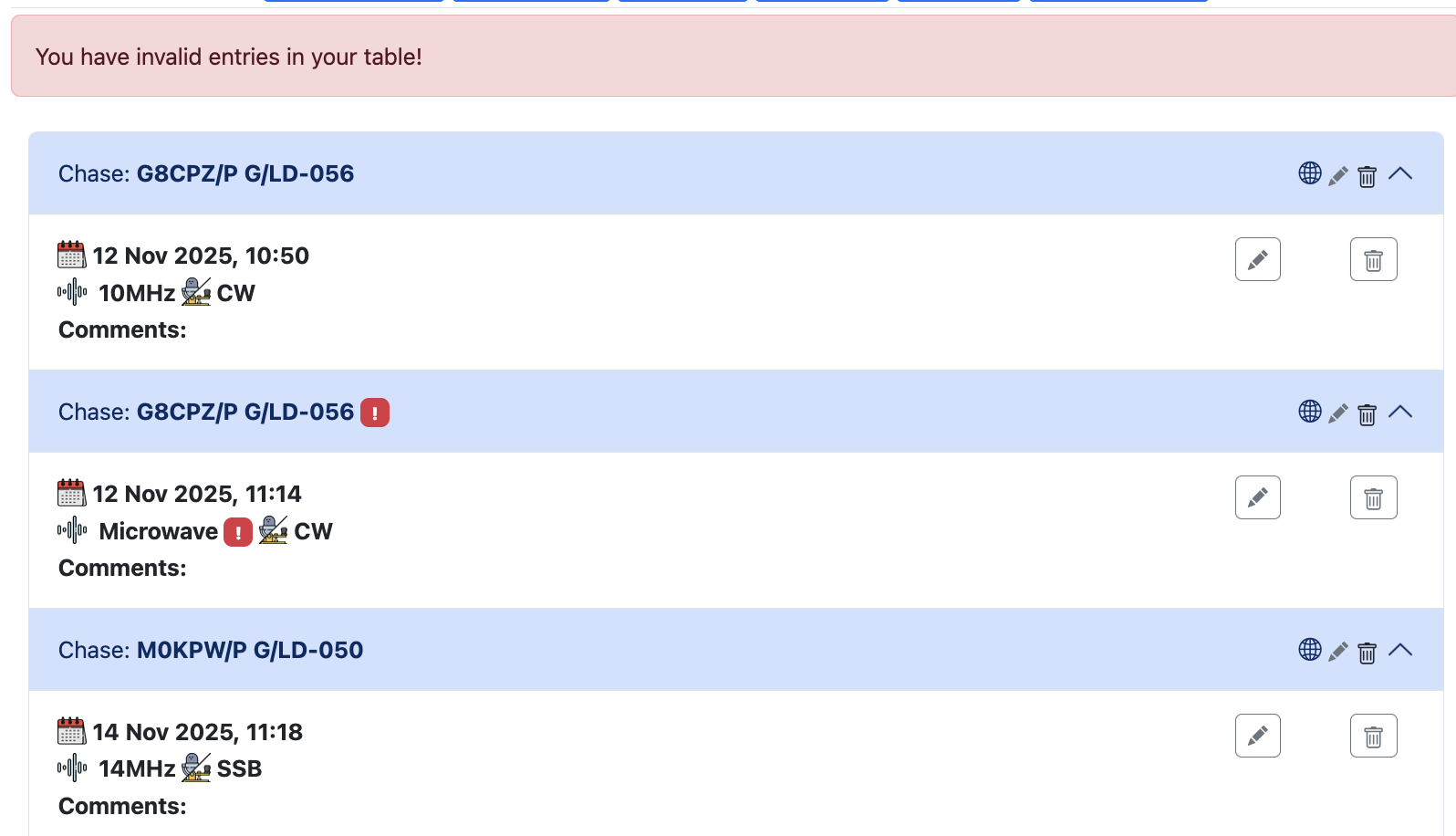
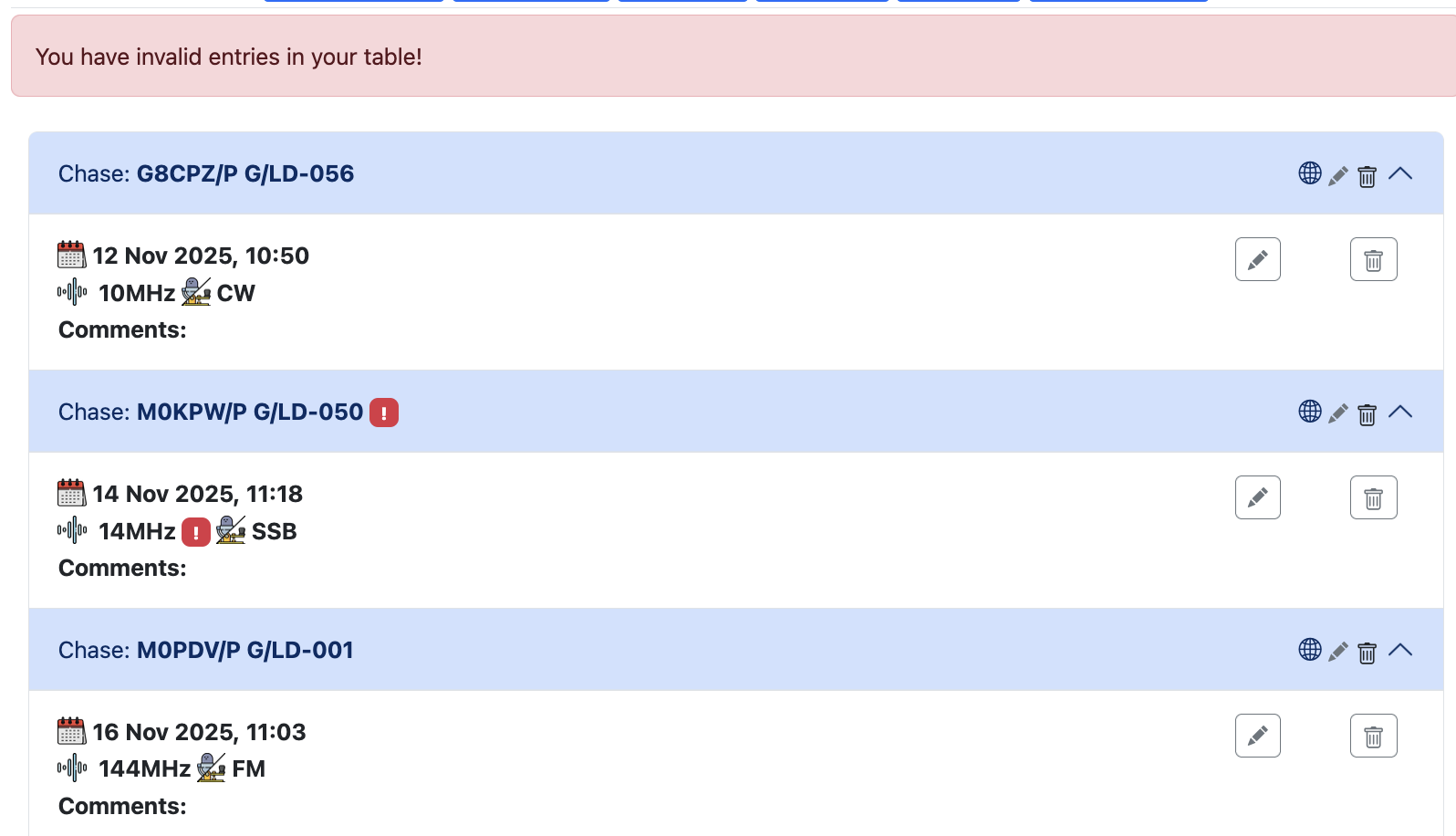
OK, so over that hurdle, and indeed it does now present me with a list of contacts. However, for some reason I’m getting an Invalid Band error on my contact with Chris on Gummer’s How.
Could it be that your “YOUR location” field is wrong? You have the SOTA reference in it, in the first picture, when it should be either a Maidenhead locator or Lat/Long entry.
Interesting I hadn’t spotted that. Looking at the source ADIF entry, my location is specified as a 6-character Maidenhead:
<my_gridsquare:6>IO84NI
There is no entry for MY_SOTA in the ADIF file. We are very close, according to the qlog distance calculator 10.728 kms, however the gridsquare of G/LD-050 is different:
I think this is similar to an error I was seeing yesterday. When going into edit chaser (SWL in my case) on the Sota database, the Location field had become populated with the summit reference.
I know a fix was done early today on other stuff that was happening, maybe this one sneaked through.
This is a feature, rather than a bug (although the populating of it during editing for @G7ADF is a bug, it appears). You can enter Lat/Long, Gridsquare, POTA or WWFF reference in the location field of either a chase or an activation QSO during the upload phase and it will autopopulate that with correct lat/long during the upload process.