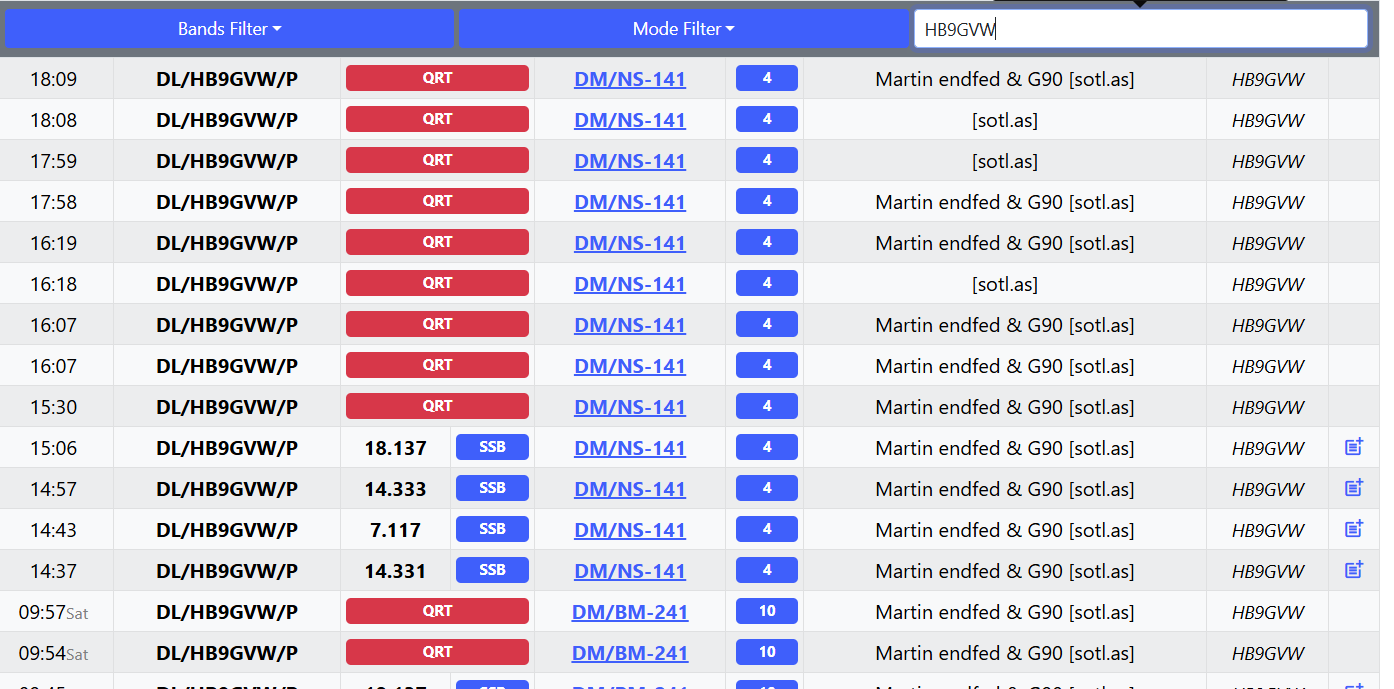
What is the correct incantantion for spotting QRT on sotl.as? I cannot get this to work. I see others spots as QRT, so it’s not a display problem.
I am running on Android.
73 de Martin / HB9GVW
What is the correct incantantion for spotting QRT on sotl.as? I cannot get this to work. I see others spots as QRT, so it’s not a display problem.
I am running on Android.
73 de Martin / HB9GVW
Martin did you see the QRT button. It is quite obvious… right next to the Frequency field.
I guess it is also too hot in HB9 - hi
EDIT: Sorry now I understand. It just shows QRT like expected
Most likely if you have a filter for CW or SSB selected QRT will not be shown
I do see the QRT button and I press it  but my QRT spot never shows. I see other QRT spots, so it’s not a display problem.
My actions:
I thought I was computer-savvy but maybe Alzheimers begins to set in …
73 de Martin / HB9GVW
I just gave it a try.
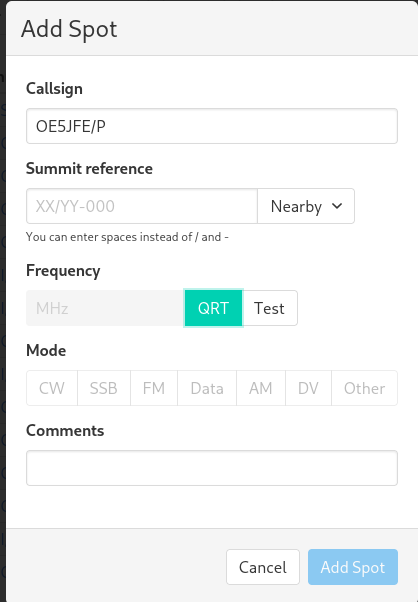
Callsign, Summit reference. QRT selects. Add spot.
Works
Do not sure what is happening for you.
I think that is the problem. Make a new spot
Doesn’t work either. Brand-new spot (by Add at the upper right edge), select summit, delete comment, QRT, nothing.
Also QRT, delete comment or just QRT – nothing.
Is this a hint that I should stay longer on the summits  ?
?
Anyway, it’s not a big thing.
73 de Martin /HB9GVW
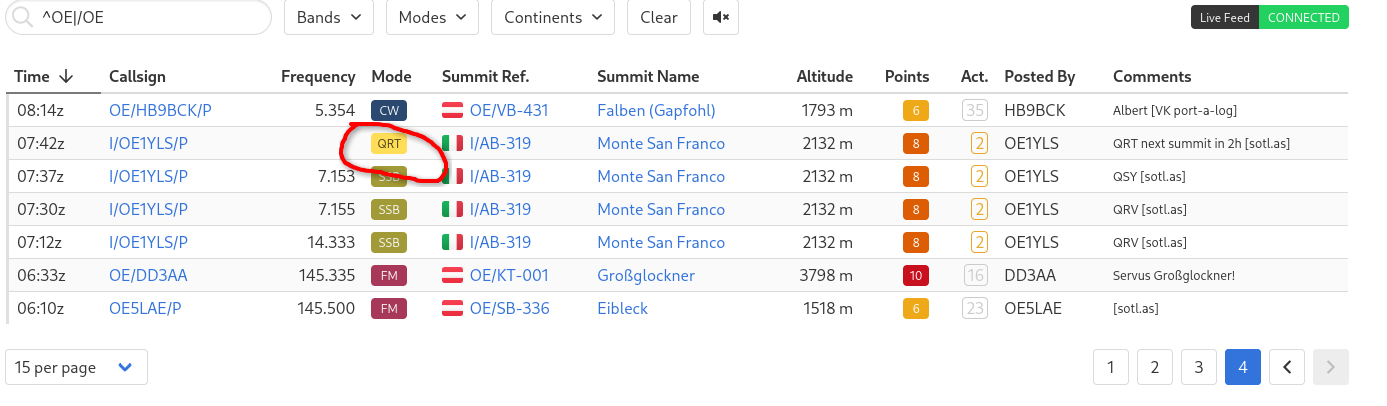
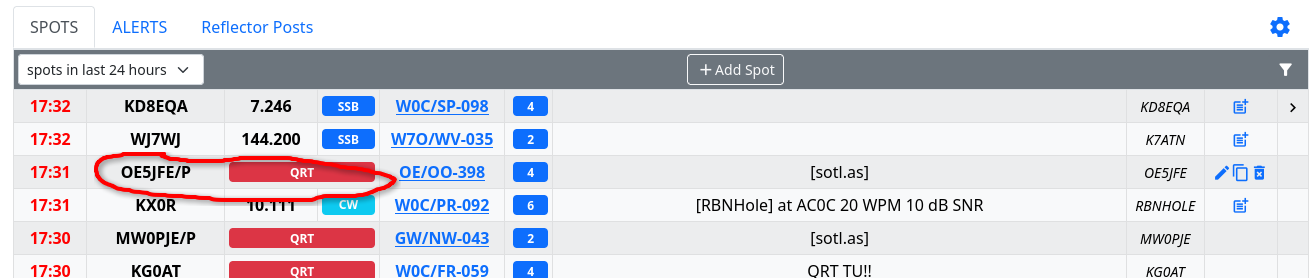
Here it is…

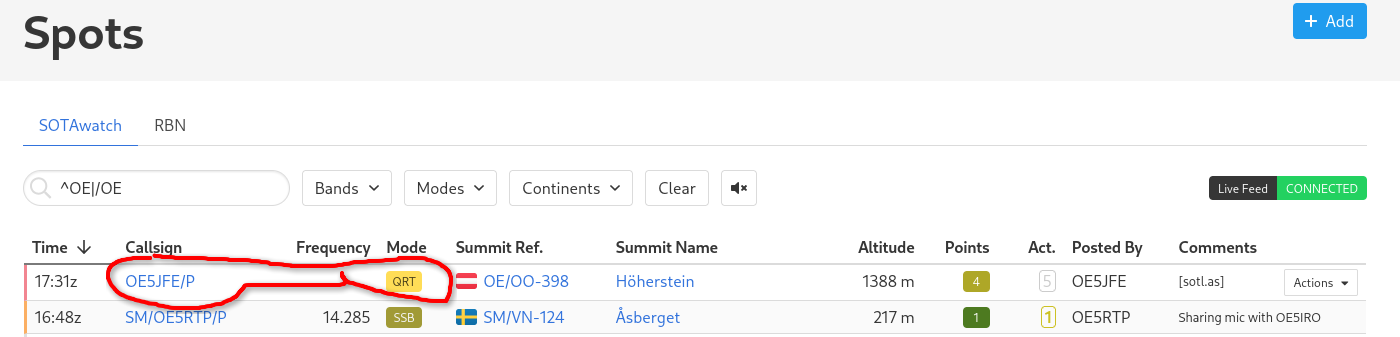
and on sotl.as

I think you have set a filter on the Spot page?
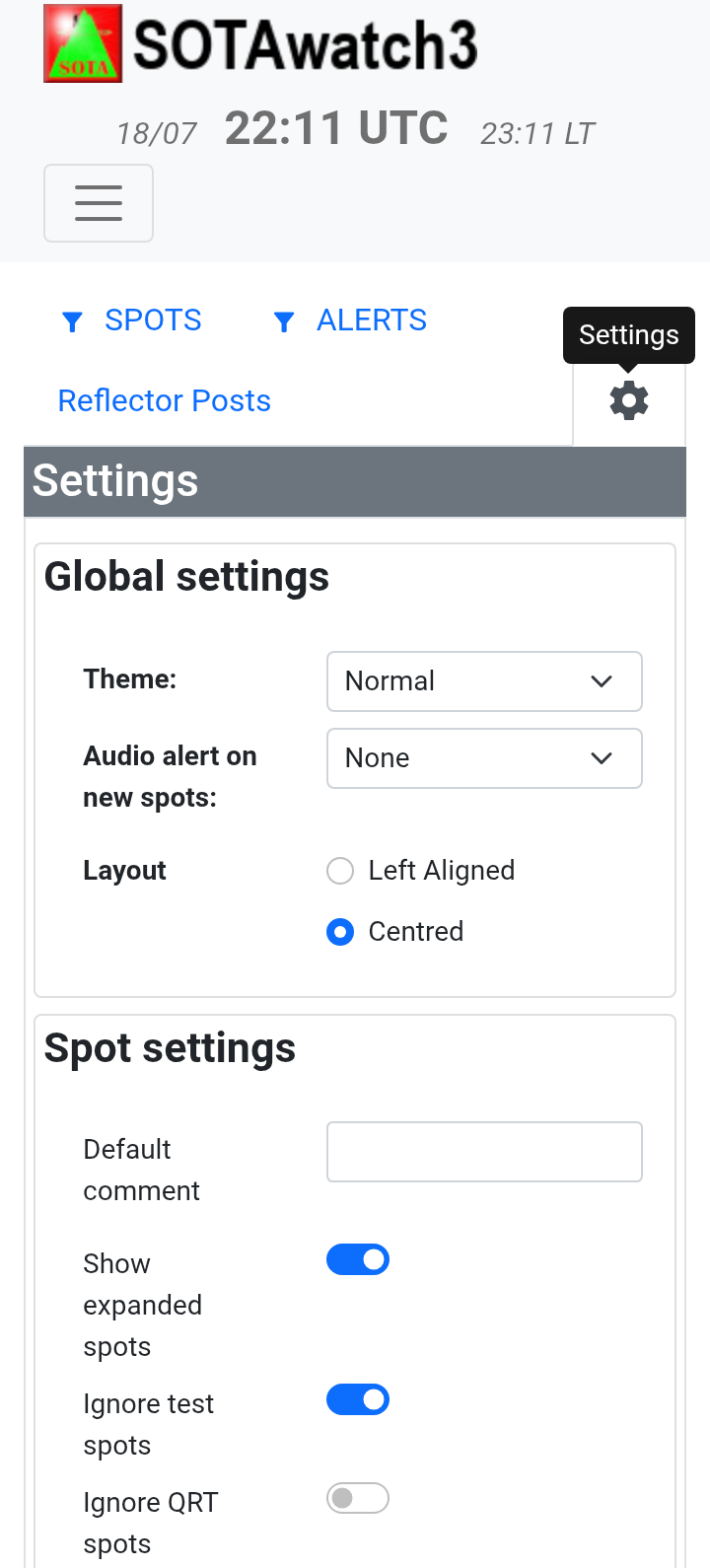
Do you have ignore qrt spots turned on in the spot settings section of settings - press the cog icon and scroll down.
So they arrive in Australia, but not on my phone. Strange. I see QRT spots of others, but not mine. So it is a display problem.
I’ll dig further. Thanks for the help snd sorry for spamming.
73 de Martin / HB9GVW