Hi all, thanks for the comments and suggestions.
The weekend was busy with the SOTA Hog Roast and activations in Wales and Shropshire, so only had some time to look into this last night (while watching two fairly entertaining world cup matches).
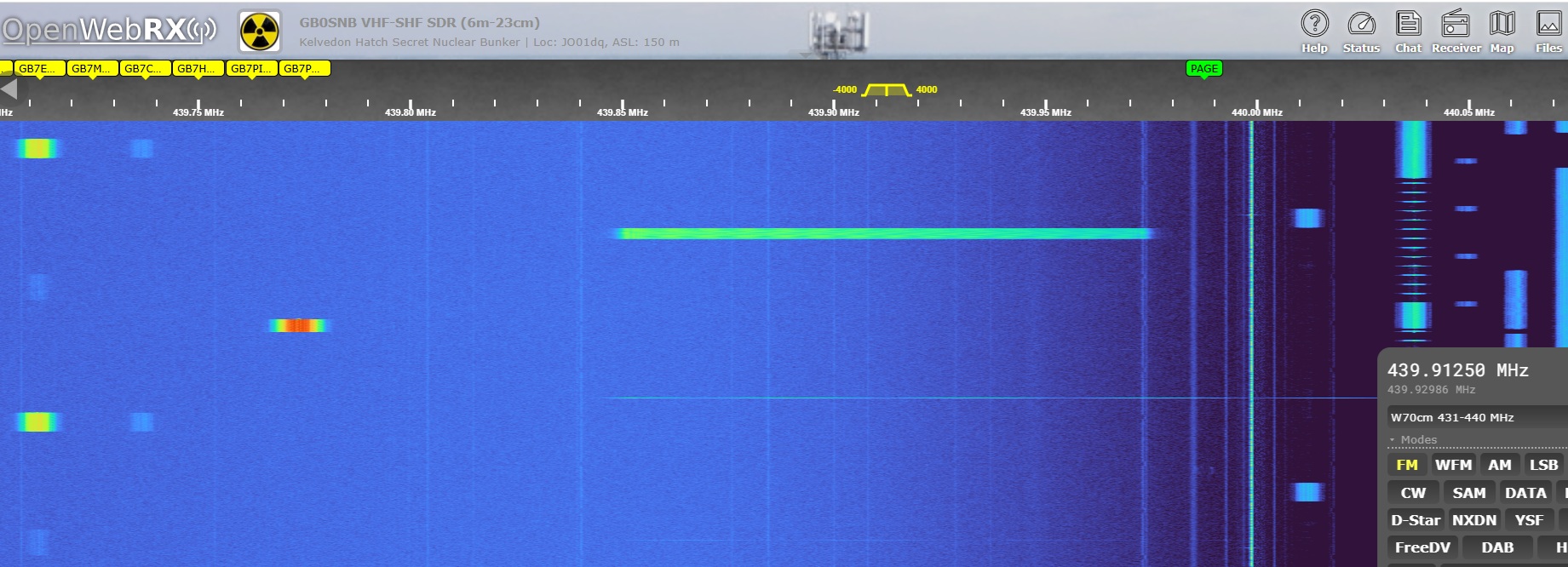
I checked again the code of the APRS iGate, and did a few tests with the FT8/LoRa nodes and my APRS iGate, and I couldn’t find any way to isolate traffic transmitted on the same frequency using the same spreading factor. I tried using different APRS packet types/headers, as well as different LoRa sync words, but FT8 traffic would still be received by the APRS node, and vice-versa. So it confirms what many of you said: we need a different frequency or a different spreading factor.
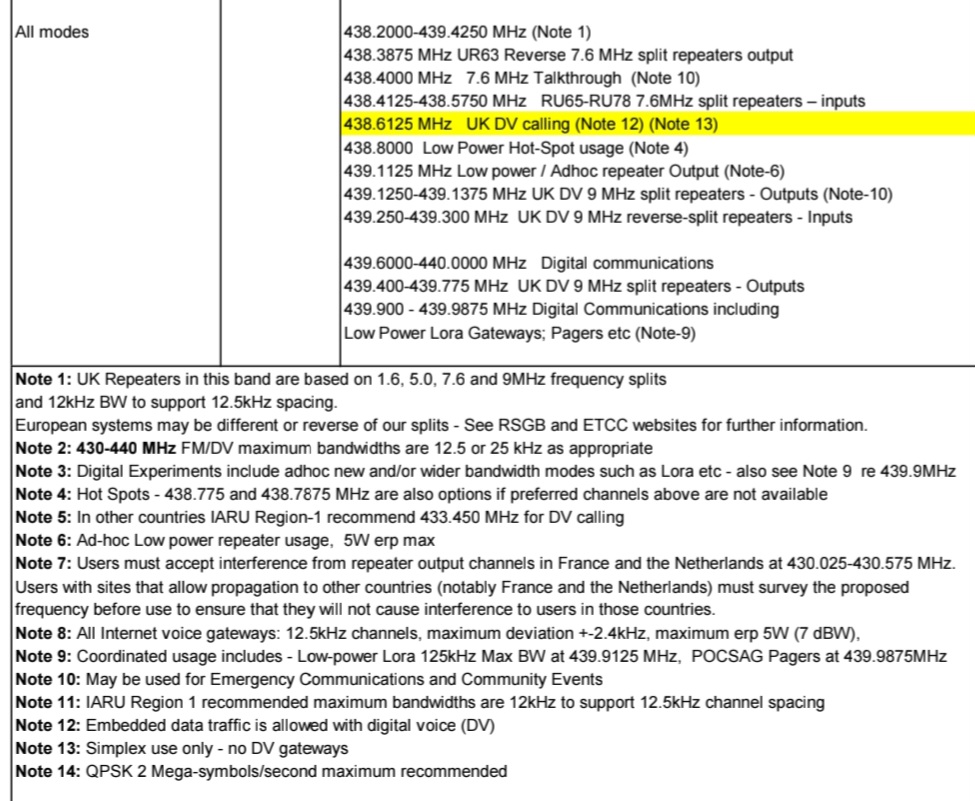
As previous comments indicate, the decision on which frequency is suitable for LoRa traffic seems to be beyond my remit, so the best option seems to stick to the same frequency and bandwidth already used by APRS, and use a different spreading factor. Chirp modulation guarantees the (quasi) orthogonality of the spreading factors, so FT8 and APRS won’t interfere with each other.
So I will set the default spreading factor for FT8/LoRa to be 11 (but allow people to reconfigure that if they want). With SF 11 we lose about 2.5 dBm compared to SF 12, so receiver sensitivity will be reduced but not by much. On the other hand, it reduces transmission times by almost half, which is handy in the unlikely case this becomes popular and multiple people are using it simultaneously.
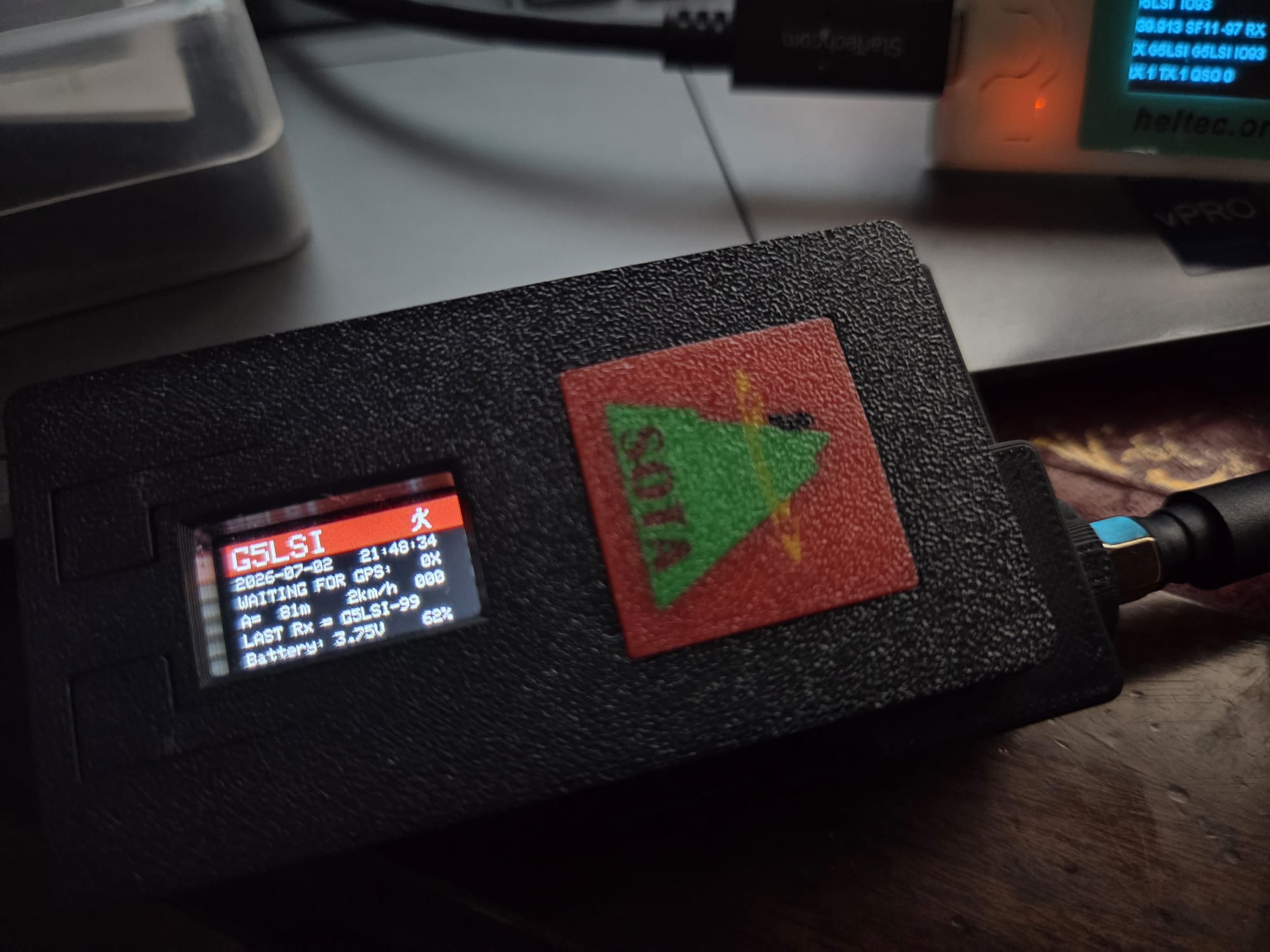
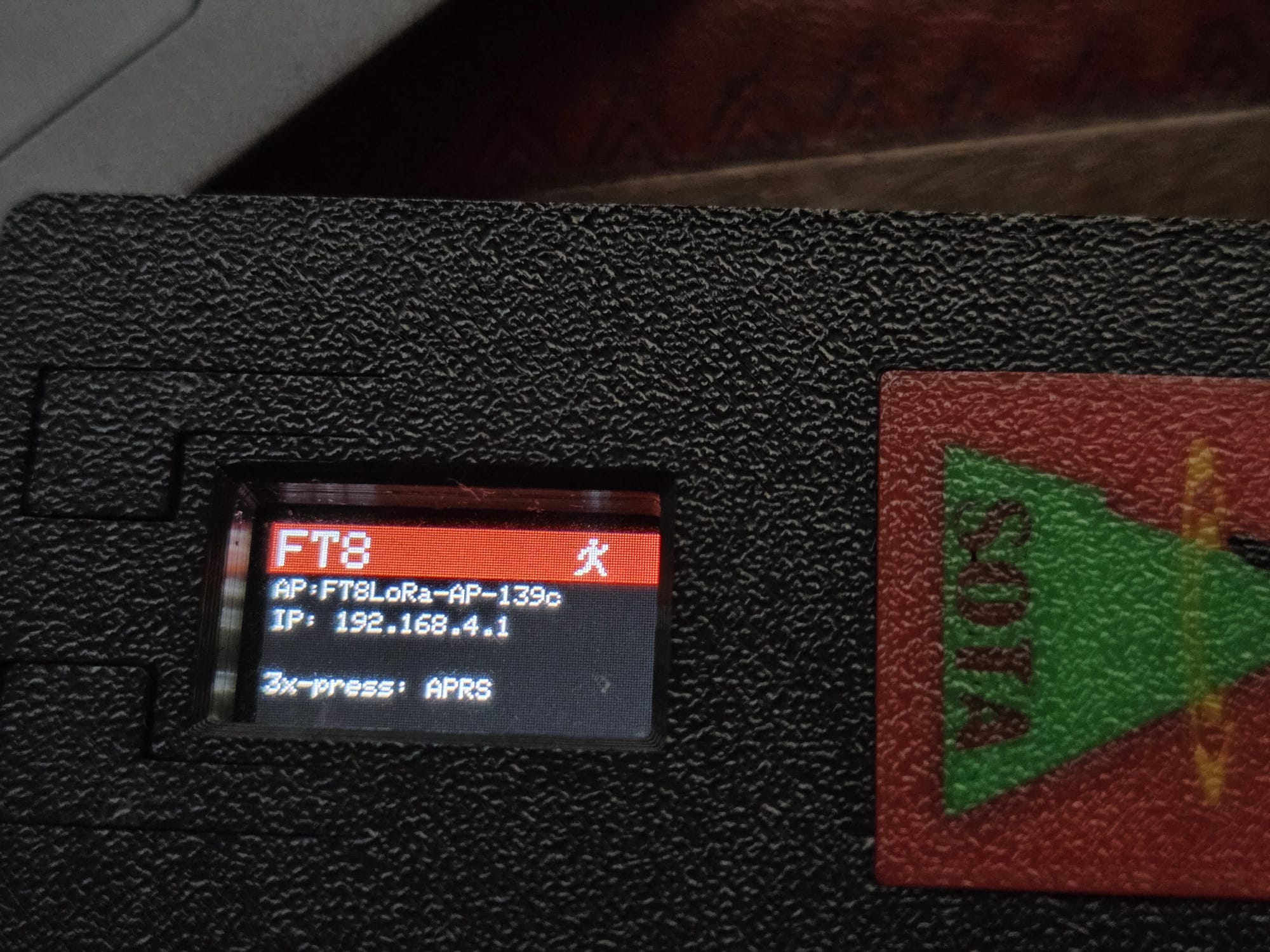
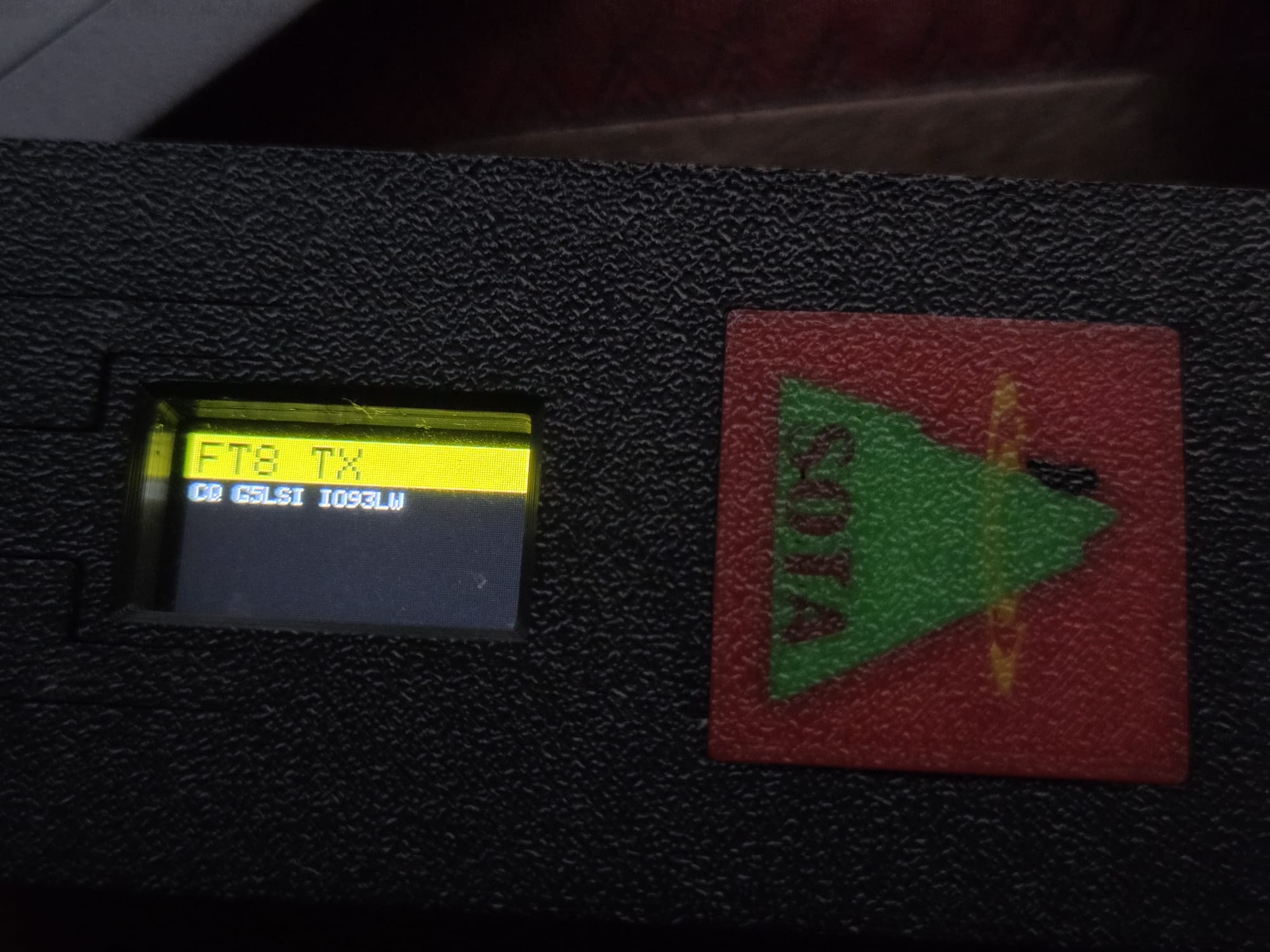
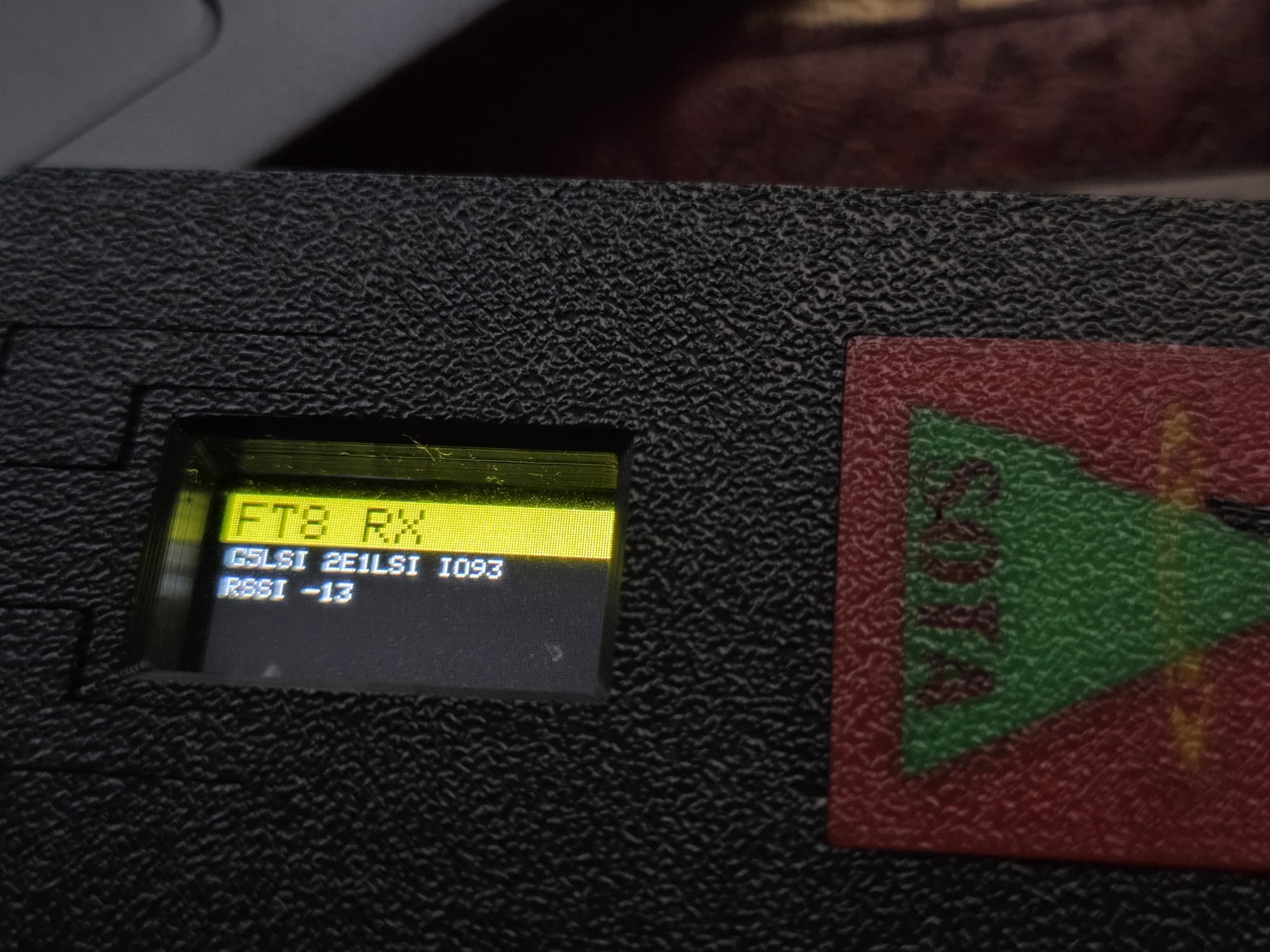
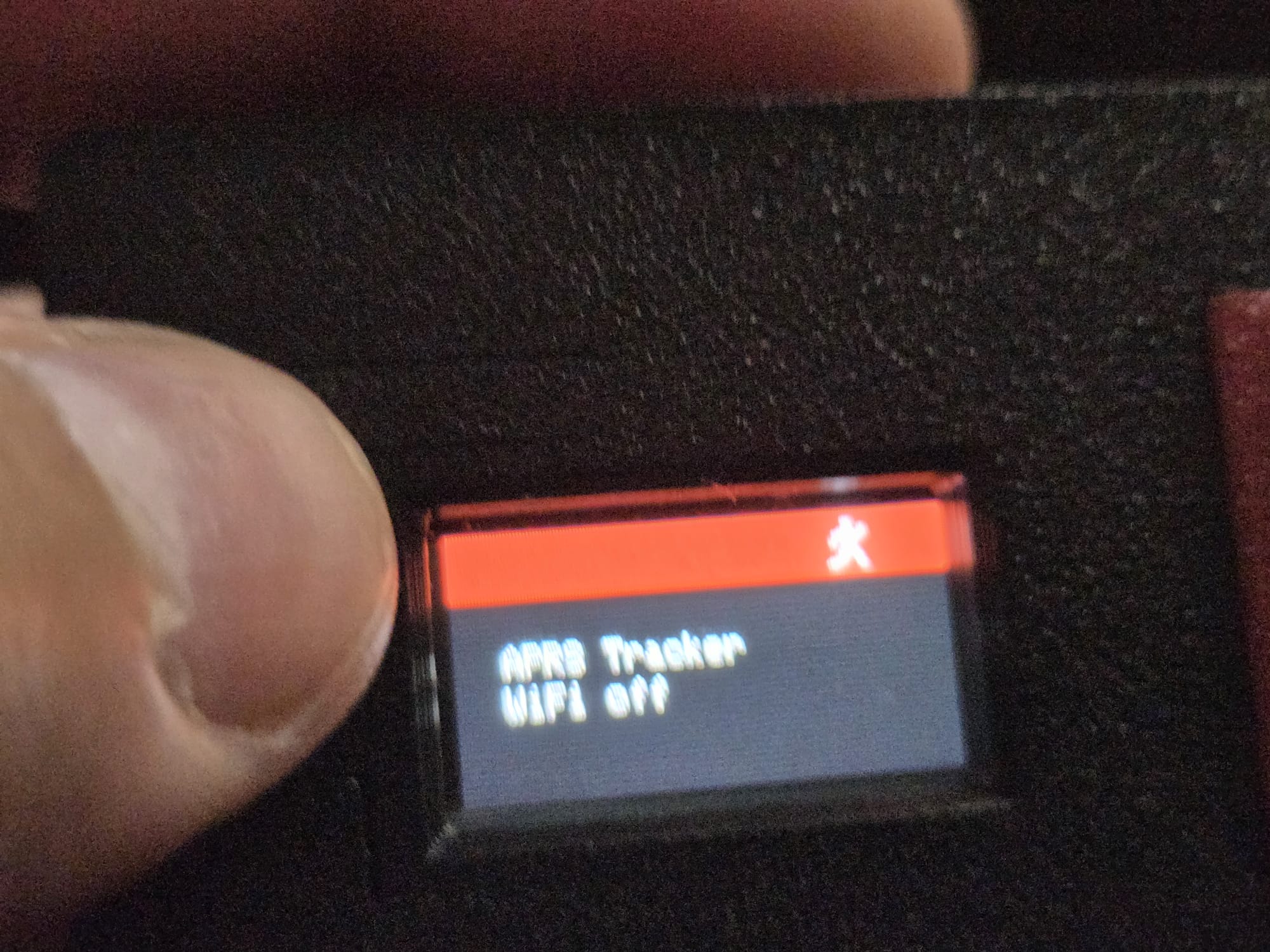
I have also created a merge between FT8/LoRa and CA2RXU’s APRS Tracker firmwares, so we can have both of them running on the same board. I tried to leave the APRS Tracker functionality completely untouched, so it keeps working as before (including configuration menus), until it detects a triple-button press during tracking mode. At that point, it stops sending out APRS packets, enables WiFi to serve the FT8/LoRa interface, and allows QSOs to take place just as the standalone FT8/LoRa I shared before. Another triple-button press, it shuts down FT8/LoRa and goes back to APRS Tracker. The rationale is to allow people to continue to use their APRS trackers exactly as before as they travel/hike, and then change into FT8/LoRa when they are on the summit to try a few QSOs. At the moment, I have only tested this on the T-Beam board, and it works well. I’ll do some more tests, and will see if it works just as well with the Heltec Tracker (which I believe is the most popular LoRa board among SOTA folks). Once I’m happy with the tests, I’ll upload everything to github and share the link here.