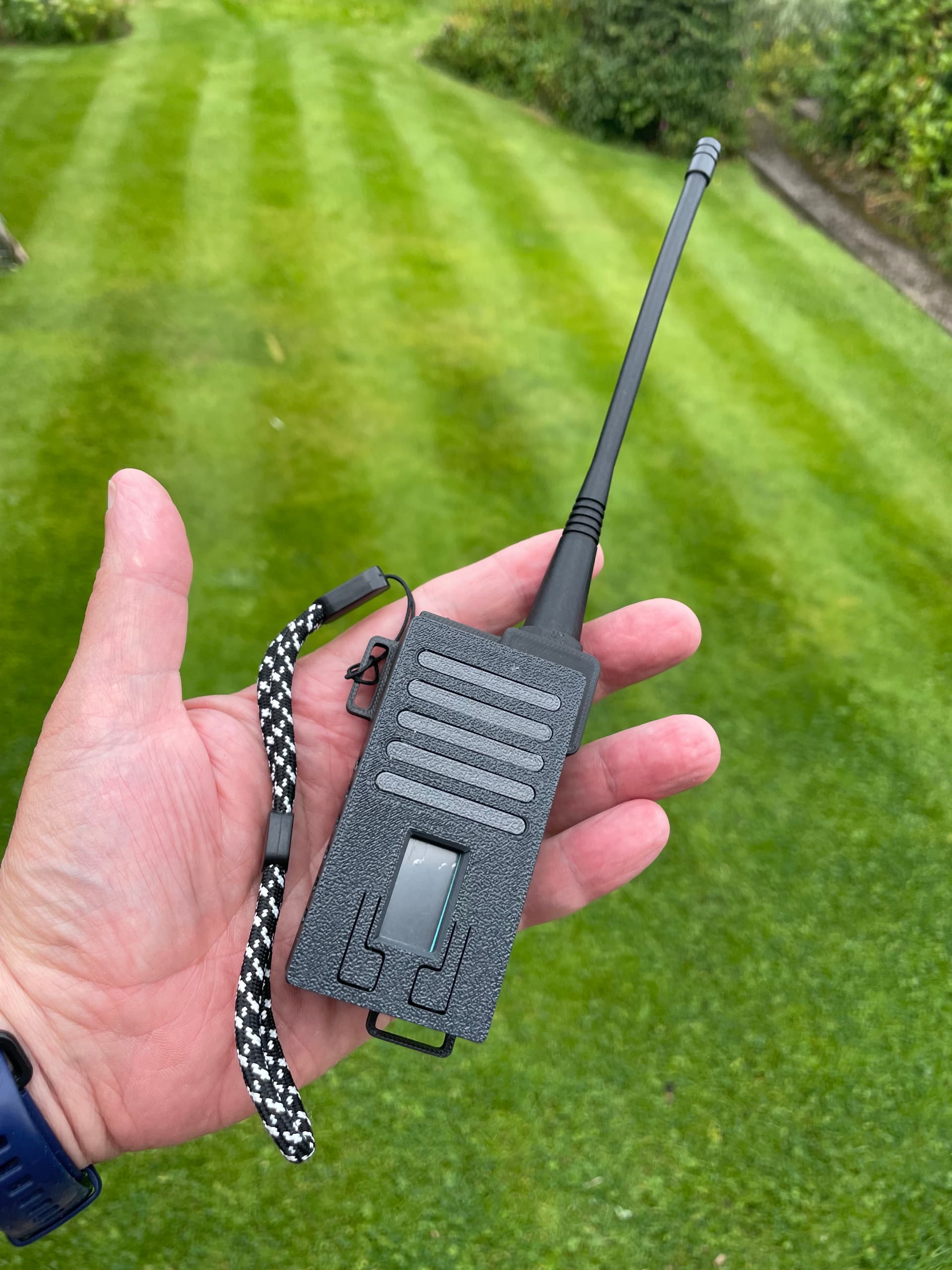
I have another small batch of ready-to-use 70cm LoRa trackers available.
This latest batch includes a 2500mAH battery. As before they are supplied with an RT18175 FLEXI-SMA-433 RF Solutions Antenna.
These are available at cost to UK activators. Please only contact me if you are actually going to use your tracker in the field - they take a fair bit of effort to make and configure and we want to see them on the air. Thanks to Dave M0JKS and his 3d printer, they are cheaper than previous batches: £43 including postage. Email me at richard at newstead dot org dot uk using the title “Tracker YOURCALL”.
This batch of trackers is now sold. I expect to have another batch available shortly and I will announce that in a new thread when they are ready.
If anyone wants to reserve one from the next batch (they go fast) email me Richard at Newstead dot org dot uk with title “Tracker YOURCALL”. UK Activators only.
Hello all, I’m a new user on here and hope that I’ve posted my question in the right place. I have one of the great SOTA APRS Trackers but it’s not working properly and need to re-flash it and then re-configure it but I’m really struggling to find the correct firmware for this 439MHz device. This is the site ( CA2RXU LoRa Tracker Firmware Flasher ) that I’ve tried but so far have picked the wrong firmware builds!? I just hope that I can get my Tracker working again, thanks all, Ozzie G1OFL.
Please be more specific … what did not work? Is your PC/laptop recognizing the board when you plug it in? Were you able to flash the firmware to the board? Which error messages do you get? …
I need please for someone to let me know exactly which of the many Firmware builds I need to use from the URL provided. The problem I had with my device is that the left button only steps between callsigns (G1OFL-1 Jogger / G1-OFL-2 Car) etc and the right button only resets the device. Only other such LoRa devices I use, the buttons offer more functionality. The problem I now have is that as I chose the incorrect firmware, my device now won’t turn on. So if someone lets me know exactly which one of many firmwares I should be using, I can then re-flash/re-configure and happy use my device again for LoRa APRS on 439.9125MHz to get me onto aprs.fi. Thanks. G4TGJ I look forward to hearing from you again, as to which firmware you’ve successfully used.
I didn’t buy my tracker from the SOTA shop but it appears to be the same tracker I have, the Heltec Wireless Tracker. So select that under Board. Select the latest firmware V2.4.3.2 (22 April 2026).
I’ve now flashed it with Meshtastic, so that it shows the board is working and my USB port is connecting. Now still trying to flash it with the CA2RXU LoRa APRS Firmware………!
Please note that this user guide (unless I’ve missed something) does NOT state what Firmware other than HELTEC WIRELESS TRACKER, which I’ve tried and doesn’t get flashed onto the device.